
AI Image to 3D Model Generator
Upload a picture and get a closed, textured 3D model in one to three minutes.
AI Image to 3D Model Generator
Upload a picture and get a closed, textured 3D model in one to three minutes.
One AI 3D model generator, from a picture or a sentence
Six starting points, one generator: the same textured mesh comes out of each.
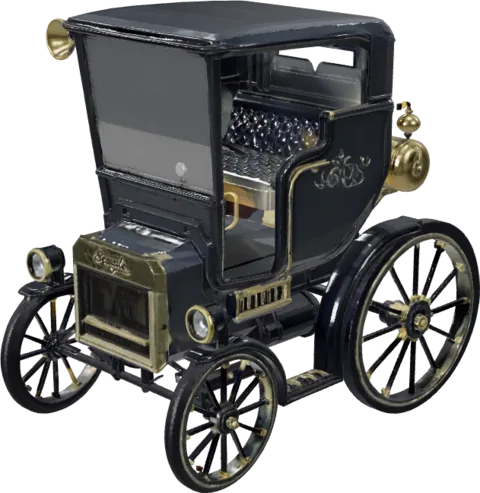
Product & design
Turn a reference shot into a mesh you can light and spin.
AI image to 3D model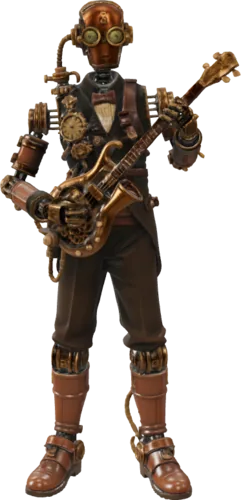
Art & hobby
Figures and props, from a photo or a sentence.
Text to 3D model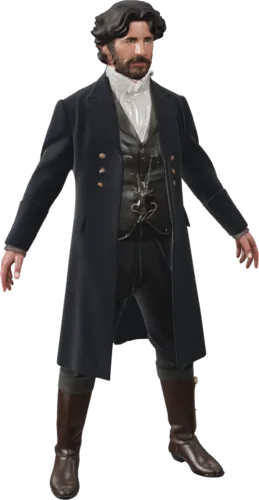
Film & video
Characters and set dressing, textured on download.
Image to 3D model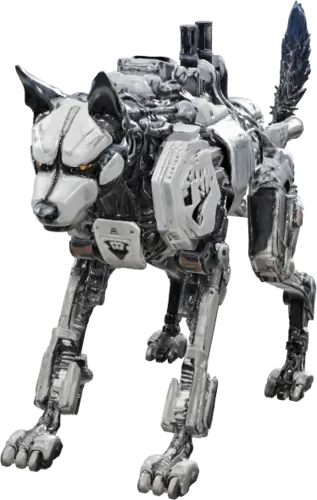
3D printing
Binary STL, written in your browser on download.
Image to STL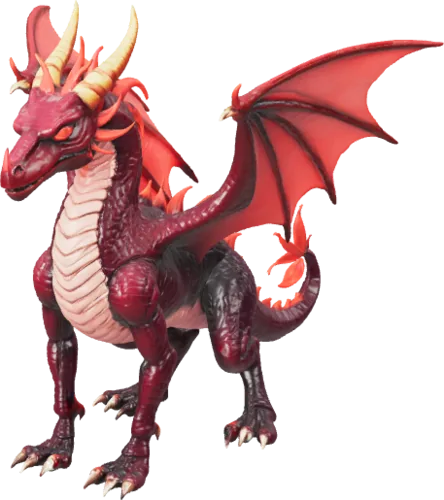
Game assets
Quad topology, your polycount, FBX for Unity.
3D model converter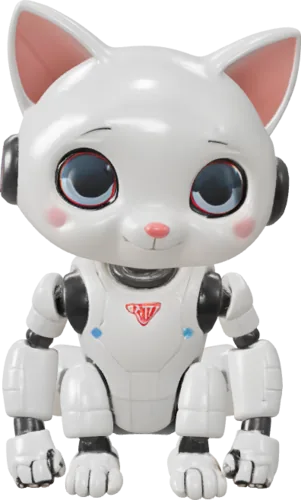
Just exploring
No project yet? Upload anything and watch it turn.
Open the workspaceopolyo-model.glb @ in about two minutes
From a picture to a 3D model, textures and all
Textures
- Standard, Ultra or Max texture quality, picked per generation
- Shaded for flat colour, PBR for physically based maps
- Textures come baked into the GLB, nothing to reassemble
- PBR is the one to pick when the model goes into a game engine or a renderer
Topology
- Triangle or quad topology, chosen before you generate
- Triangle is the default and suits most uses
- Auto size and orientation controls for repeatable results
- Quad topology is the one to pick if the mesh goes on to be edited or animated
Faces
- Polygon count anywhere from 500 to 2,000,000 faces
- It is an upper bound, so the mesh lands at or under what you set
- Auto size scales the result to real-world dimensions
- Generation time rises with polygon count and texture quality, usually under three minutes
Formats
- GLB comes straight out of the generator, PBR textures baked in
- STL and OBJ are converted in your browser at download time
- FBX, glTF, USDZ and 3MF are written by the converter
- The converter is a separate step and a separate charge
Game
- Quad topology and a face limit you set yourself
- PBR maps that come through the import intact
- Convert to FBX and both Unity and Unreal import it directly
- For AR on Apple devices, convert to USDZ
Privacy
- Every generation is private to your account by default
- Nothing is published to a public gallery
- You keep ownership of your images and your models
- Paid plans and credit packs carry a commercial licence, client work included
Credits
- Credits come back automatically when a generation fails
- Subscription credits are issued monthly and reset at month end
- Credits bought as a one-off pack are good for 365 days
- Whichever credits are closest to expiring are spent first

one generation


five files
Make it real, as a 3D print or inside a film or game
SEE FOR YOURSELF
AI 3D models you can spin right here
Every one of these is a real Opolyo mesh loaded in the viewer. Click one and drag to rotate it.
HOW IT WORKS
Three steps from a picture to a model you can use
Nothing to install and nothing to model by hand. Upload, pick your settings, and download the file.
Upload an image
Drag a file in, paste one with Ctrl+V, or start from one of the examples. One clear subject on a plain background gives the cleanest mesh.
JPG, PNG or WEBP up to 10 MB
Generate
Choose texture quality, topology and a polygon budget, then watch the model build in the viewport. The button shows the credit cost of those settings before you press it.
Usually under three minutes
Download GLB, STL or OBJ
GLB comes out of the generator with its textures baked in. STL and OBJ are converted in your browser when you download.
Yours to use commercially
HOW TO CHOOSE
Pick the Best Image to 3D Model AI
Here is one unedited image to 3D model AI result. Drag the handle to compare the raw mesh with the textured file.
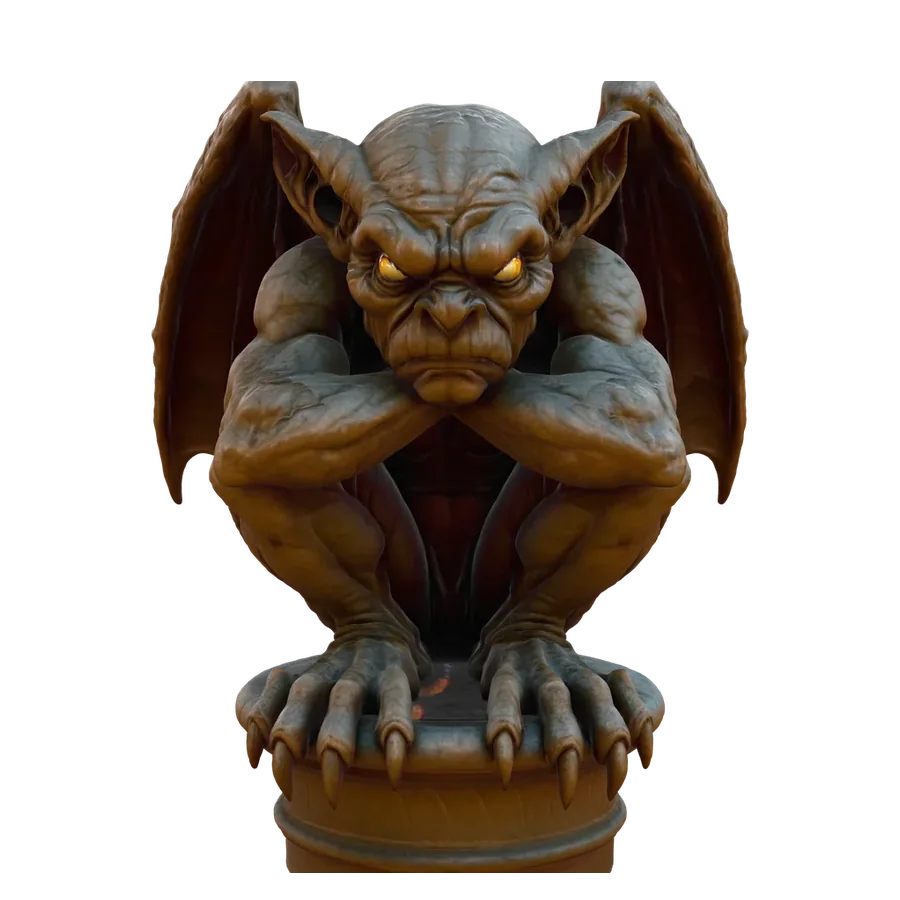
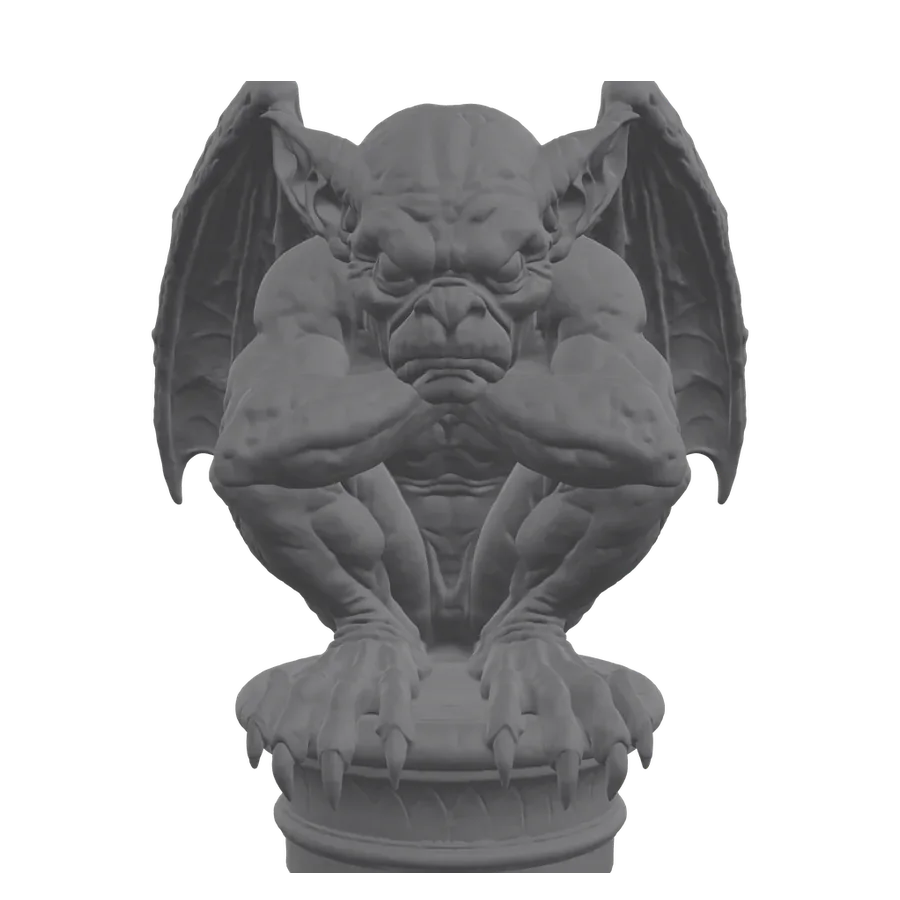 Raw meshTexturedDrag to compare
This is Opolyo output as downloaded. See how image to 3D model handles different kinds of picture before you upload your own.
BEFORE YOU DECIDE
Why Opolyo, not a typical AI 3D model generator
Pricing
Every credit turns into a model you keep
Billed every month. Cancel anytime.
Start
For your first prints and props
$19.99
USD
Billed monthly
- 160 credits / month (16 generations)
- Standard and Ultra PBR textures
- GLB, STL & OBJ export
- Built-in format converter
- Failed generations refunded automatically
- Commercial license
- Email support
Cancel anytime.
Build
For people who ship models weekly
$39.99
USD
Billed monthly
- 360 credits / month (36 generations)
- Standard and Ultra PBR textures
- GLB, STL & OBJ export
- Built-in format converter
- Failed generations refunded automatically
- Commercial license
- Email support
Cancel anytime.
Scale
For studios and print farms
$89.99
USD
Billed monthly
- 900 credits / month (90 generations)
- Lowest cost per credit
- Priority email support (24h response)
Cancel anytime.
I filled my first map in just one afternoon! That's 24 props already.

Marcus Reed
Built a GameImage to 3D model FAQ
- No. The workspace shows the cost of the exact settings you picked before you press the button, and a generation that fails puts its credits back.
- A generation with standard textures is 10 credits, from an image or a text prompt. Ultra or Max textures and quad topology cost more, and the polygon budget does not change the price. The figure updates as you change the settings.
- Subscription credits are issued monthly and reset at the end of the month. Credits bought as a one-off pack are good for 365 days. Whichever credits are closest to expiring are spent first.
- The credits go back to your balance automatically. There is nothing to claim.
- Yes. Models generated on a paid plan or a credit pack come with a commercial licence, including client work and products you sell.
- You do. Opolyo does not claim ownership of the images you upload or the models you generate.
- Yes. Your generations appear only in your account, and nothing is published to a public gallery.
- GLB comes straight out of the generator with its PBR textures baked in. STL and OBJ are converted in your browser at download time. FBX, glTF, USDZ and 3MF are written by the converter.
- Yes. Upload a GLB, glTF, FBX, OBJ or STL file and write it back out as FBX, OBJ, STL, glTF, USDZ or 3MF. Conversion is charged separately and costs a fraction of a generation.
- Yes. Models are generated as closed meshes and exported as binary STL, which every major slicer reads. Preview it in your slicer before a long print.
- Convert to FBX and both import it directly. GLB works anywhere glTF is read, including web viewers. For AR on Apple devices, convert to USDZ.
- Usually under three minutes, depending on texture quality and polygon count. Progress shows live in the viewport, and the finished model shows how long it took.
- One clear subject, filling most of the frame, on a plain background. Photos, product shots and concept art all work. A busy scene with several objects is the usual cause of a poor result.
- Yes, before you generate: triangle or quad topology, and a budget anywhere from 500 to 2,000,000 faces. Quad is the one to pick when the mesh will be edited or animated later.
- Yes. Text to 3D takes a written prompt and offers the same settings as image to 3D. Name one object and give it a material and a style.
- Name one object, then its material and style, for example a hexagonal iron lantern with amber glass. Concrete nouns work better than mood words like cool or glowing. There are worked examples under text to 3D model.
- Yes, if you fix the seeds. A text generation has three: model, texture and concept image. Leave them empty for a fresh take on each run, or set them to repeat a result.
- Yes. A text generation takes a negative prompt of up to 255 characters, where you list what to leave out: a base, a pedestal, wings, whatever the last run added on its own.
- No. A picture pins down one specific object, while a sentence describes a type of object and leaves the missing details to the generator. Start from a picture when you have one, and use a prompt when the object does not exist yet; there is a longer comparison under text to 3D model.
What people make with Opolyo
5,873 makers and counting. A few of them told us what they made, and what happened next.
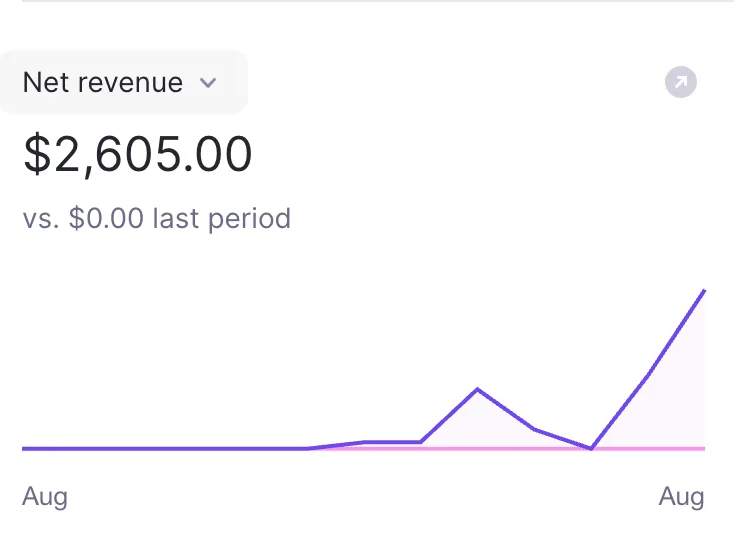 I’m a game dev and originally started using this to turn some of my reference images into 3D assets for a project. A few of the models turned out better than I expected, so I cleaned them up and started selling them on the side too. Just crossed $2,600 in net revenue from those 3D models. Never really planned on becoming an asset seller, but I’m definitely not complaining 🙌NNathan Brooks
- Didn’t think a single image would get me this far. The model needed a little cleanup, but I had a solid base ready in minutes. Saved me an entire afternoon.DDylan Reeves
- Turned one of my kid’s drawings into a little 3D character with Opolyo. She absolutely lost it when she saw it. Probably the most fun thing I’ve made with this so far.KKyle Brandt
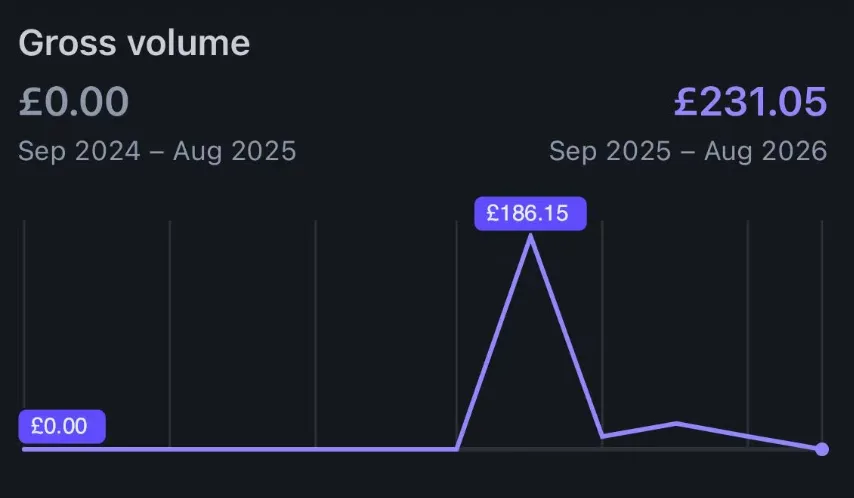 Honestly didn’t expect anyone to actually pay for the 3D stuff I was making. Put a few of them up for sale just to test it and somehow made £231 from my models. Still feels a bit unreal seeing that number 😂OOwen Whitaker
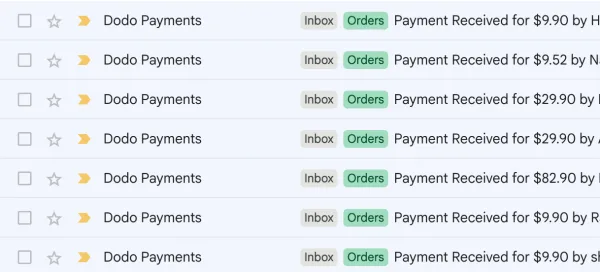 I started using Opolyo for a few custom 3D requests from clients and somehow it turned into a little side service of its own. Some people just need a quick conversion, others want more detailed work, so the order sizes are all over the place. Seeing multiple paid requests come in on the same day still feels pretty surreal. Never thought image-to-3D would become something clients actually kept coming back for.AAdam Pike
- I use a lot of reference images when working on interior concepts, and this made it really easy to turn an object I liked into a rough 3D asset. I still adjusted a few things afterward, but it saved me from modeling the whole thing from zero.CClaire Bennett
- Couldn’t find the exact prop I needed anywhere, so I threw the reference image into Opolyo as a last resort. The first result wasn’t perfect, but the overall shape and proportions were already there. It actually looked like the thing in my reference. After a little cleanup, it was exactly what I needed.JJonah Reyes
- Used it to turn a couple of product images into 3D models for our store. Took a few tries to get the best result, but still much easier than hiring someone to model everything manually.GGrant Miller
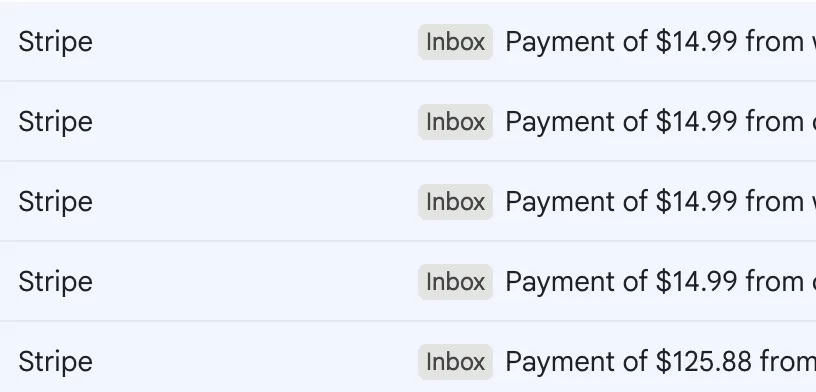 Woke up, checked my inbox and Stripe notifications just kept showing up. Most were $14.99 orders, then a $125.88 payment landed later in the day. I’m still pretty new to selling my 3D stuff, so seeing 5 sales come in on the same day was a really nice feeling. 🔥MMiles Prescott
- I had a photo of a small figurine from years ago that I couldn’t find anywhere anymore. Tried putting it into Opolyo just to see what would happen, and the result was honestly better than I expected. It felt like bringing an old thing back to life. I still want to clean up a few details before printing it, but this is probably my favorite use so far.RRiley Fenn
- Turned a photo into a little 3D model, printed it, and gave it to a friend for his birthday. Wasn’t expecting him to react that much 😂 He absolutely loved it. Now I’m thinking of making a few more for Christmas.TTyler Hodge
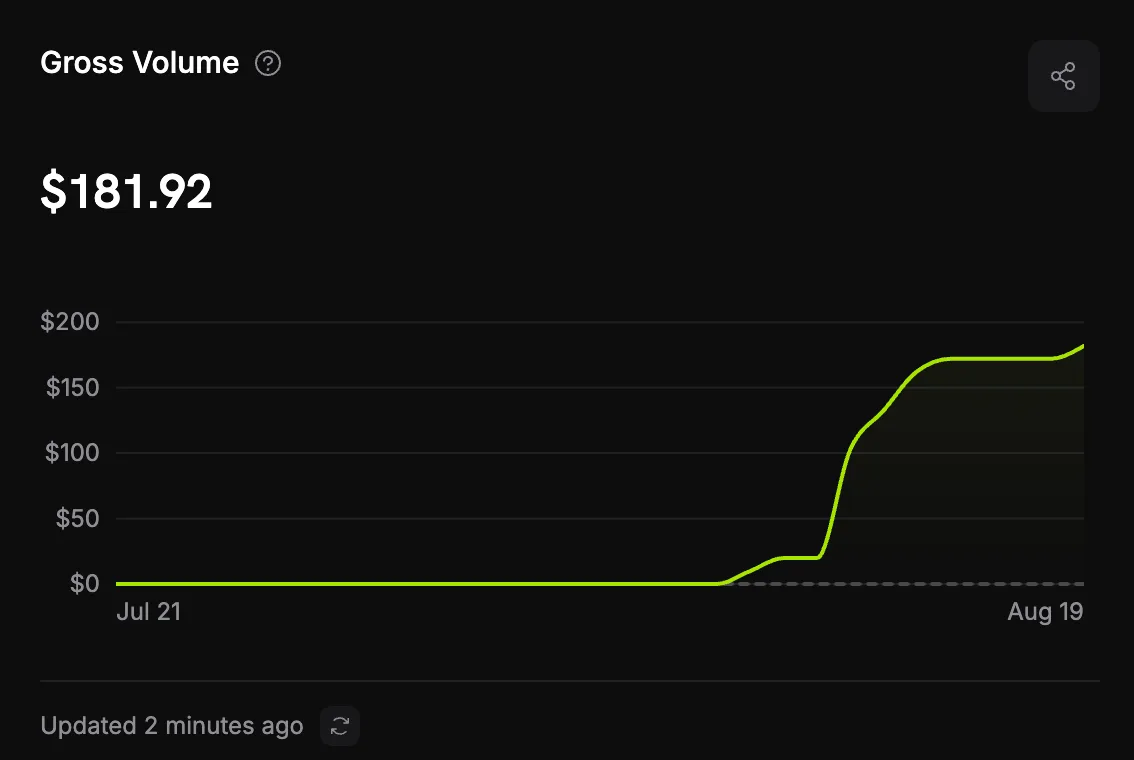 I mostly got into this because I like 3D printing and wanted to make a few custom pieces without learning modeling from scratch. Then a couple of people asked if I could make something for them too, so I started taking small requests here and there. Just hit $181.92 from custom 3D commissions. It’s not a huge number, but getting paid for something I was already doing for fun feels pretty awesome.WWes Delaney
- Been playing around with this for a small game project and some of the results are actually really fun. I generated a few props from reference images and one of them ended up fitting the scene perfectly. It’s staying in the game.EEvan Ross
Turn your first image into a 3D model
Pick a plan, upload a picture, and download the mesh a few minutes later.