
AI Image to 3D Model
One picture goes in. A closed, textured mesh comes out, with a back and sides the camera never saw. Download it as GLB, STL or OBJ.
Your picture opens in the workspace, where you sign in and confirm the price before anything runs.
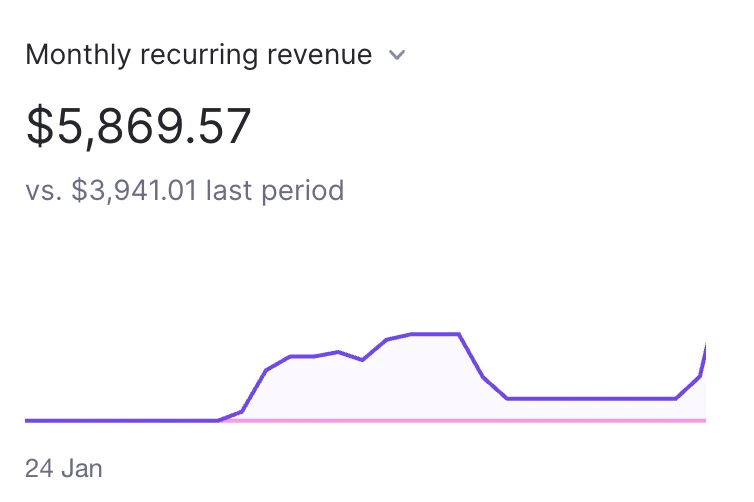
Without Opolyo I might have never launched my SaaS and I would still be at $0 MRR.

Ryan Carter
3D Model From Image: Which Pictures Work
The picture does more for the result than any setting on the panel. Six things to check before you upload.
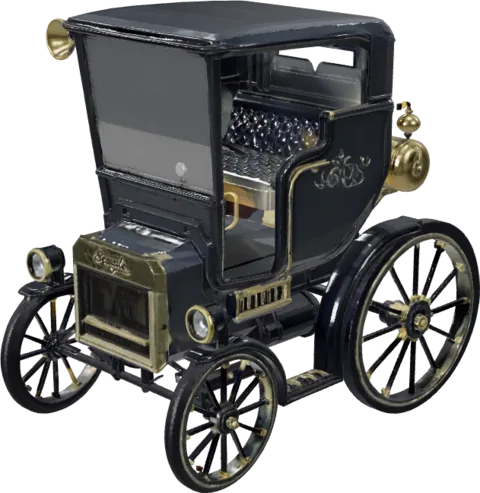
One subject, nothing else
Two objects in one frame come back fused into a single mesh.
Upload one subject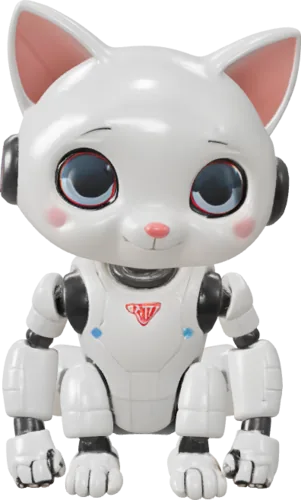
A background it can cut
Plain and contrasting works best. A busy backdrop ends up in the geometry.
See what survives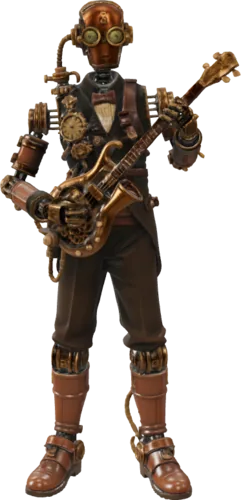
Even light, few shadows
A hard shadow reads as shape and becomes a dent in the model.
Light it flat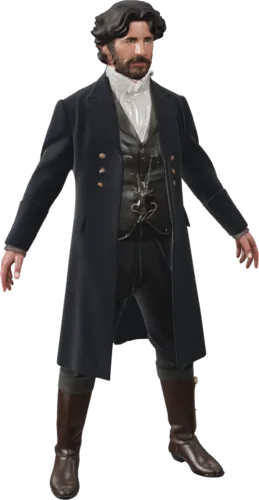
Photographs and renders
Both work. A clean product render is often the easiest input.
Try a render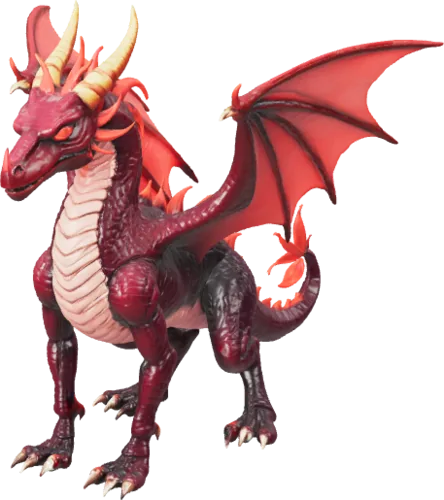
Flat drawings and line art
They work, but the depth has to be invented, so the model comes back softer than a photo would.
Start from a sketch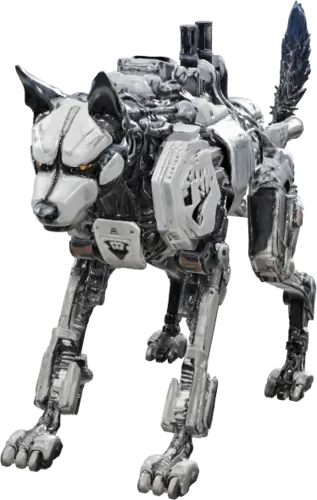
Glass, chrome and fur
The hard three. Reflections read as shape, and loose strands come back as a smooth shell.
Read the limitsopolyo-model.glb @ in about two minutes
Photo to 3D Model From a Single Photograph
Back
- A closed mesh, solid all the way round
- The camera saw one face of the subject; the rest is built from what it implies
- Front-on subjects come out closest to the picture you started with
- Spin the inferred side round before you commit to a hero shot
Textures
- Standard, Ultra or Max texture quality, picked per generation
- Shaded for flat colour, PBR when you need physically based maps
- Baked into the GLB, so there is nothing to reassemble on your side
- Standard is the base rate; Ultra and Max add to it
Topology
- Triangle or quad, chosen before the generation runs
- Triangle is the default and suits printing and rendering
- Quad is the one to pick if the mesh goes on to be edited or animated
- Topology is set on the way in, so there is no retopologising afterwards
Faces
- A polygon budget you set yourself, anywhere from 500 to 2,000,000
- Low for phones and game assets, high when print detail matters
- The exact face count is shown beside the slider as you move it
- The 2,000,000 ceiling is on Build and Scale
Formats
- GLB out of the generator with its textures baked in
- STL and OBJ converted here in your browser at download time
- Nothing is re-uploaded, so the file you save is the model you just rotated
- STL is what slicers expect; OBJ opens in most 3D tools
Scans
- Reads a single picture; it is not photogrammetry
- Photogrammetry needs dozens of overlapping photos and measures real geometry
- Use a scan when you need an exact copy of a real object
- One picture is the faster route when a convincing model is enough
Credits
- One generation at Standard texture quality is the base rate
- The same price whether you start from an image or a text description
- The price of your exact settings is on the button before you press it
- Ultra textures and quad topology add to the base rate

one generation


all three files
An image to 3D model, more than one file
FROM FLAT TO SOLID
How a 2D Image to 3D Model Gets Its Depth
A picture records one face of an object. Four notes on where the depth comes from and what to change when the result is off.
What one photograph actually tells it
A frame carries an outline, a lighting direction and the relative size of the parts. It does not carry depth.
Depth is worked out from those signals. A clean outline and even light do more for the result than a larger file does.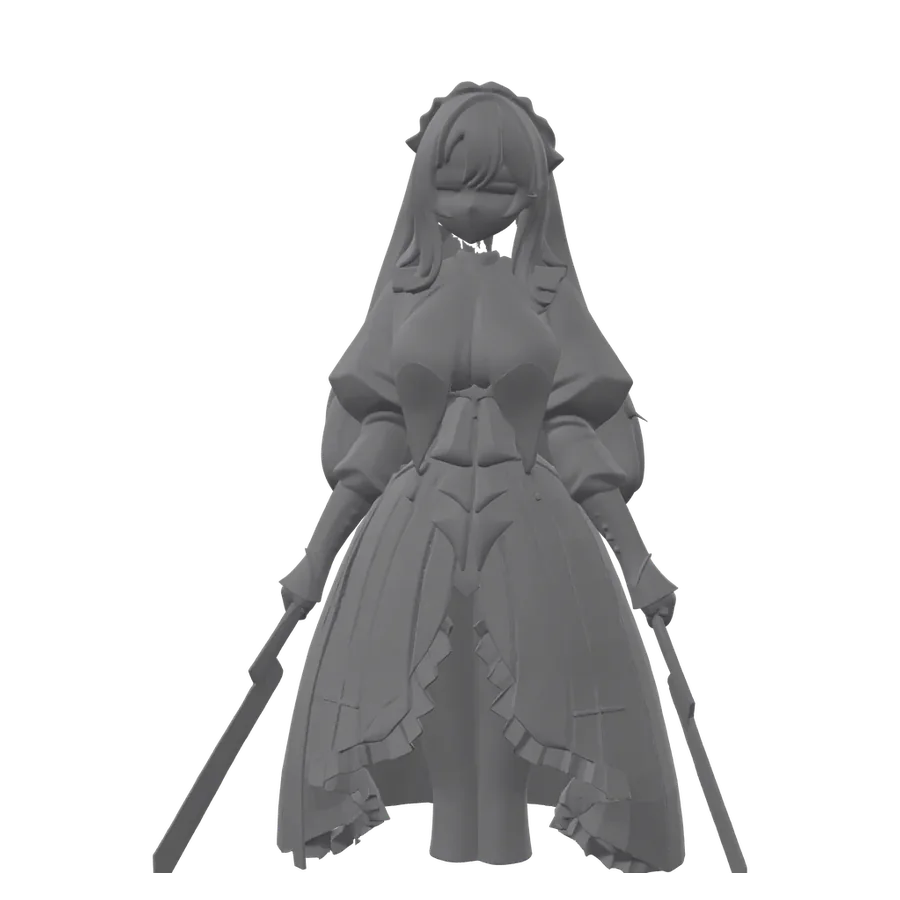
The side you did not photograph
Your camera angle decides how much of the model is inferred.
A straight-on shot tracks your picture most closely and leaves the two sides with the least to go on. A three quarter angle gives up a little likeness and puts real information into two faces, so use it when the model will be printed or seen from the side.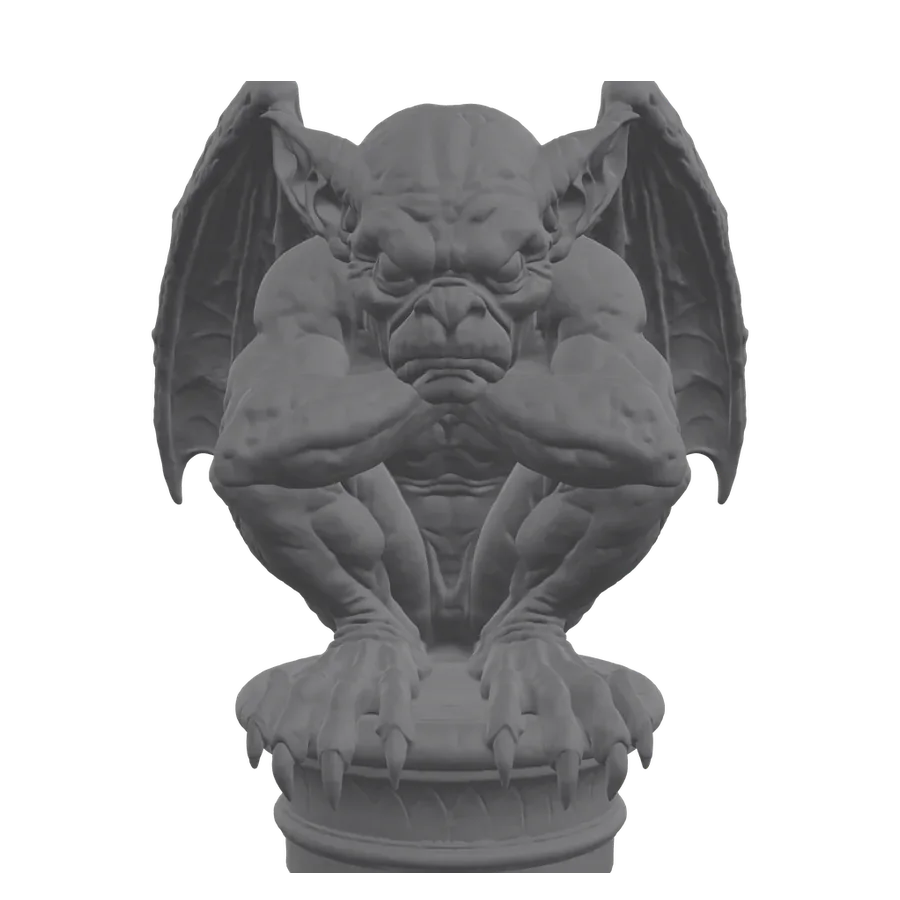
Where a flat drawing differs from a photograph
A photograph carries shading that implies form. Line art has none, so more of the volume is invented.
The generator reads shading for every bump and hollow on the visible face. Without it the thickness of each part is a guess, so a drawing comes back rounder and softer than a photo of the same object; keep the outline unbroken and upload a shaded version when you have one.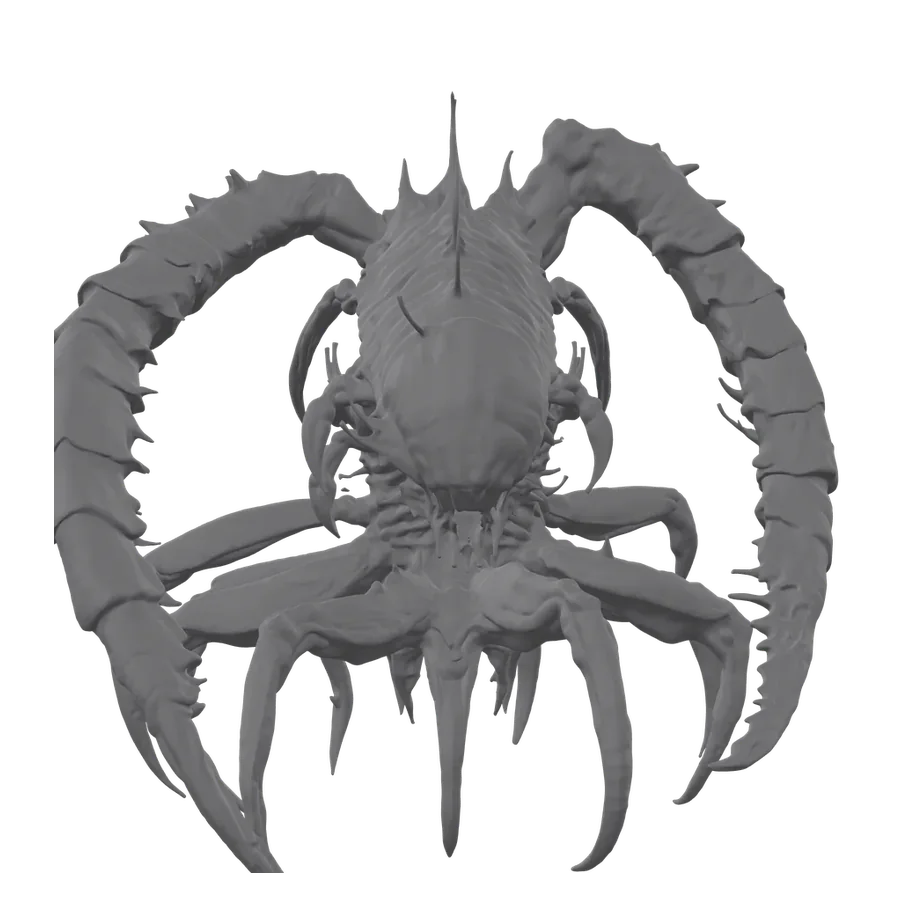
What to change when the back comes out wrong
Three things move the result, and none of them need a better camera.
- Crop or reshoot to a three quarter angle, so two faces of the subject are visible at once.
- Set Orientation to Align to Image when the model has to face the same way as your photograph.
- Set Texture Alignment to Original Image when the colours matter most, or to Geometry when a clean surface matters more.
The last two sit under Advanced in the generator, and neither one changes the price.
HOW IT WORKS
How to Turn an Image Into a 3D Model
Three steps, and the first one matters most. Nothing to install.
Pick the photograph
One subject, filling most of the frame, on a plain background. Drag it in, paste it with Ctrl+V, or browse.
JPG, PNG or WEBP up to 10 MB
Set the quality and see the price
Set texture quality, material, topology and polygon budget. The price for that combination is on the button before you press it.
Usually under three minutes
Download GLB, STL or OBJ
GLB comes out of the generator with its textures baked in. STL and OBJ are converted in your browser at download time.
Yours to use commercially
SPECIFICATIONS
Image to 3D Model Specifications
Every hard number in one place, including the two controls that only exist when you start from a picture.
Input & geometry
- Input
- One picture
- Geometry
- A closed mesh
- Polygon budget
- 500 to 2,000,000
- Topology
- Triangle or quad
Surface & alignment
- Textures
- Standard, Ultra or Max
- Texture alignment
- Image or geometry
- Orientation
- Default or aligned
- Repeatability
- Two seeds
Output & terms
- Download formats
- GLB, STL, OBJ
- Generation time
- Usually under three minutes
- Cost
- 10 credits
- Licence
- Commercial use
WHICH ONE
Convert Image to 3D Model, or Start From Text?
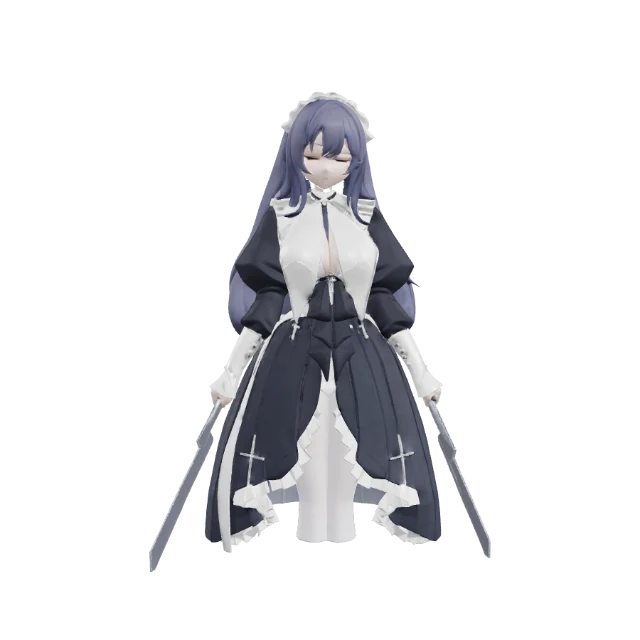 Image to 3D
 Text to 3D
WHAT YOU GET
What You Get From Opolyo's Image to 3D Model AI
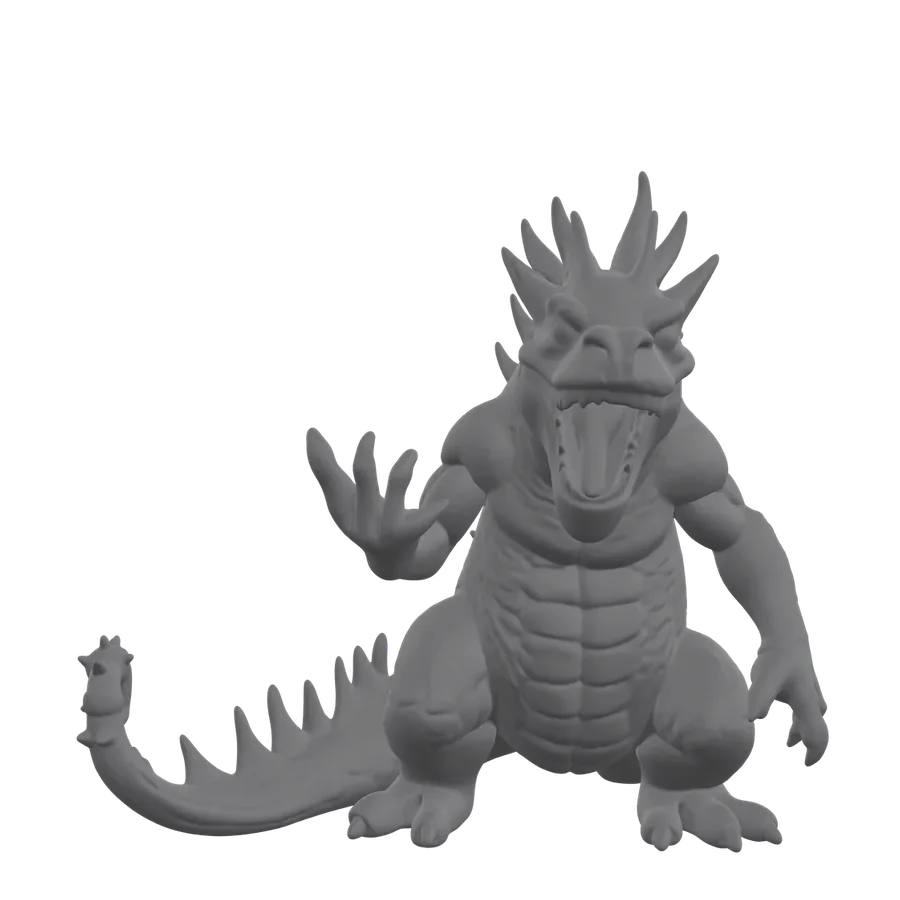
Opolyo turns one photograph into a finished, textured mesh and gives you the file. Every model below is a real Opolyo mesh: open one and drag to spin it.
Pricing
Every credit turns into a model you keep
Billed every month. Cancel anytime.
Start
For your first prints and props
$19.99
USD
Billed monthly
- 160 credits / month (16 generations)
- Standard and Ultra PBR textures
- GLB, STL & OBJ export
- Built-in format converter
- Failed generations refunded automatically
- Commercial license
- Email support
Cancel anytime.
Build
For people who ship models weekly
$39.99
USD
Billed monthly
- 360 credits / month (36 generations)
- Standard and Ultra PBR textures
- GLB, STL & OBJ export
- Built-in format converter
- Failed generations refunded automatically
- Commercial license
- Email support
Cancel anytime.
Scale
For studios and print farms
$89.99
USD
Billed monthly
- 900 credits / month (90 generations)
- Lowest cost per credit
- Priority email support (24h response)
Cancel anytime.
I filled my first map in just one afternoon! That's 24 props already.

Marcus Reed
Built a GameImage to 3D Model FAQ
- There is no minimum: anything up to 10 MB in JPG, PNG or WEBP is accepted. What matters is how much of the frame the subject fills, so crop in before you upload.
- You can, but they come back as one shape: the generator builds a single mesh, so two objects standing together tend to arrive fused. Run them as separate pictures and assemble afterwards if you want them apart.
- Both work. A phone photo does well when the subject is lit evenly and stands clear of the background, and a screenshot of a clean product render is one of the easiest inputs there is.
- Drawings work. A flat drawing has no shading, so the depth is a guess and the result is an interpretation of your drawing. Shaded or three-quarter-view drawings land closer to what you pictured than flat front-on outlines do.
- These are the hard three. Reflective and transparent surfaces hand the generator a reflection of something else to read as shape, and fine strands like fur or hair are finer than a mesh can carry, so they come back as a smooth shell. Solid, matte, clearly bounded subjects work best.
- It is there, and it is inferred: you get a closed mesh with a real back and sides, but the camera only saw one face of your subject, so the rest is built from what that face implies. For printing, props and background assets that is usually fine. If the model will be seen from behind in a hero shot, spin it round and check that side first.
- Yes: generated meshes come out closed, and you can download STL for the slicer directly. Check the slicer preview before a long print, since thin protrusions and very fine detail are where a generated model most often needs a support tweak or extra thickness.
- The silhouette and proportions track the picture closely, and the texture is built to match it. Fine surface detail is what moves: a higher polygon budget, up to 2,000,000 faces, keeps more of it, and Ultra texture quality keeps more of the surface colour. Both are set before the run.
- No. STL stores triangles and nothing else, so no STL from any tool keeps a texture, material or colour. Download GLB if the appearance has to travel with the geometry, or OBJ when the next tool expects it; for printing it rarely matters.
- A generation with Standard textures is 10 credits, from an image or from a text prompt alike. Ultra or Max textures and quad topology cost more, and the polygon budget does not change the price. The button shows the figure for the settings you picked.
- Yes. Every paid plan includes a commercial licence for the models you generate, so they can go into products you sell, client work and games you ship. Make sure you hold the rights to the picture you start from.
- A generation that fails returns its credits automatically. A generation that succeeds but is not the model you hoped for is charged, so the cheapest fix is a better input picture.
- A scan, or photogrammetry, needs dozens of overlapping photographs taken around the object and measures real geometry from them. This reads a single picture and infers the geometry, so it is quicker and needs no rig. When you need a dimensionally accurate copy of a real object, a scan is the right tool.
- Convert to FBX and both engines import it directly. GLB works anywhere glTF is read, which covers web viewers and most modern pipelines; for AR on Apple devices you want USDZ. If the mesh is heading into an engine, set quad topology before the run.
- That is a conversion job. The converter takes GLB, glTF, FBX, OBJ and STL in, and writes FBX, OBJ, STL, glTF, USDZ or 3MF out. It is charged separately and costs a fraction of a generation.
- Describe the object instead: text to 3D model takes a written prompt and returns the same kind of textured mesh, with the same formats and controls.
What people make with Opolyo
5,873 makers and counting. A few of them told us what they made, and what happened next.
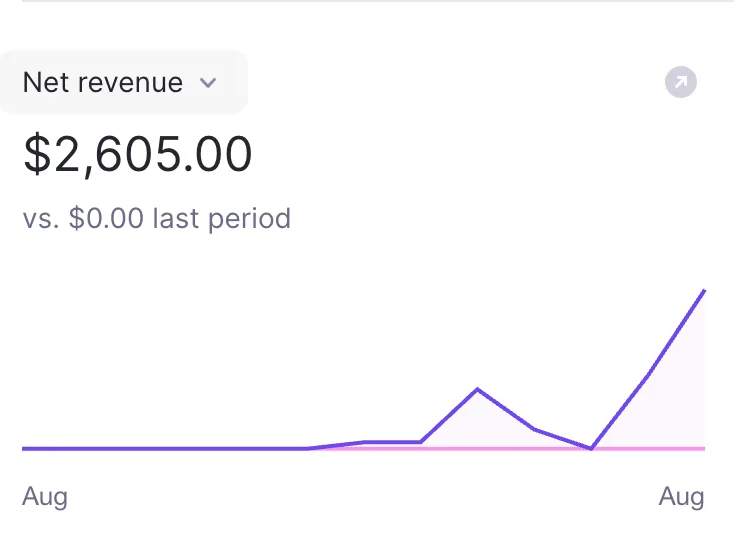 I’m a game dev and originally started using this to turn some of my reference images into 3D assets for a project. A few of the models turned out better than I expected, so I cleaned them up and started selling them on the side too. Just crossed $2,600 in net revenue from those 3D models. Never really planned on becoming an asset seller, but I’m definitely not complaining 🙌NNathan Brooks
- Didn’t think a single image would get me this far. The model needed a little cleanup, but I had a solid base ready in minutes. Saved me an entire afternoon.DDylan Reeves
- Turned one of my kid’s drawings into a little 3D character with Opolyo. She absolutely lost it when she saw it. Probably the most fun thing I’ve made with this so far.KKyle Brandt
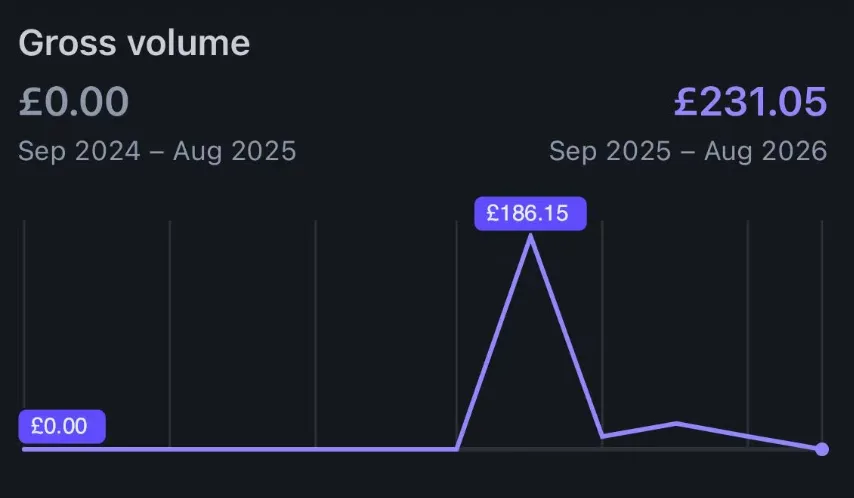 Honestly didn’t expect anyone to actually pay for the 3D stuff I was making. Put a few of them up for sale just to test it and somehow made £231 from my models. Still feels a bit unreal seeing that number 😂OOwen Whitaker
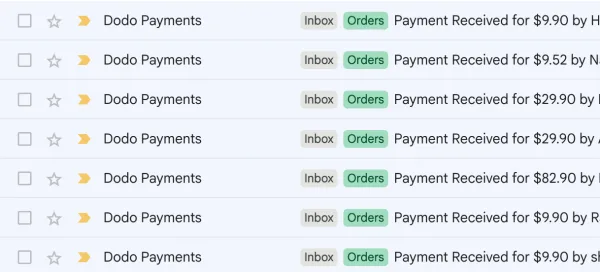 I started using Opolyo for a few custom 3D requests from clients and somehow it turned into a little side service of its own. Some people just need a quick conversion, others want more detailed work, so the order sizes are all over the place. Seeing multiple paid requests come in on the same day still feels pretty surreal. Never thought image-to-3D would become something clients actually kept coming back for.AAdam Pike
- I use a lot of reference images when working on interior concepts, and this made it really easy to turn an object I liked into a rough 3D asset. I still adjusted a few things afterward, but it saved me from modeling the whole thing from zero.CClaire Bennett
- Couldn’t find the exact prop I needed anywhere, so I threw the reference image into Opolyo as a last resort. The first result wasn’t perfect, but the overall shape and proportions were already there. It actually looked like the thing in my reference. After a little cleanup, it was exactly what I needed.JJonah Reyes
- Used it to turn a couple of product images into 3D models for our store. Took a few tries to get the best result, but still much easier than hiring someone to model everything manually.GGrant Miller
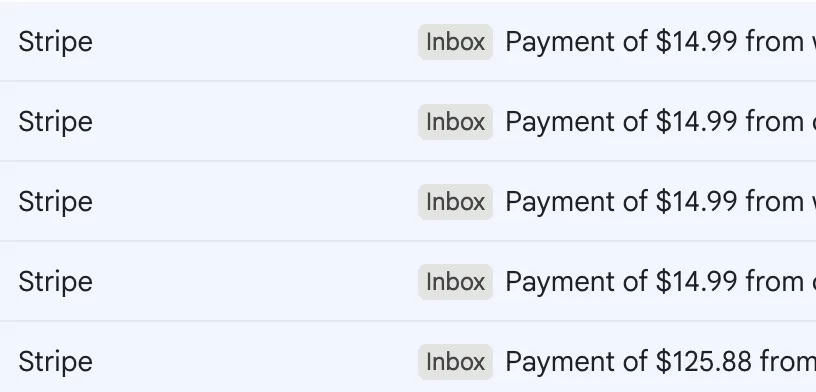 Woke up, checked my inbox and Stripe notifications just kept showing up. Most were $14.99 orders, then a $125.88 payment landed later in the day. I’m still pretty new to selling my 3D stuff, so seeing 5 sales come in on the same day was a really nice feeling. 🔥MMiles Prescott
- I had a photo of a small figurine from years ago that I couldn’t find anywhere anymore. Tried putting it into Opolyo just to see what would happen, and the result was honestly better than I expected. It felt like bringing an old thing back to life. I still want to clean up a few details before printing it, but this is probably my favorite use so far.RRiley Fenn
- Turned a photo into a little 3D model, printed it, and gave it to a friend for his birthday. Wasn’t expecting him to react that much 😂 He absolutely loved it. Now I’m thinking of making a few more for Christmas.TTyler Hodge
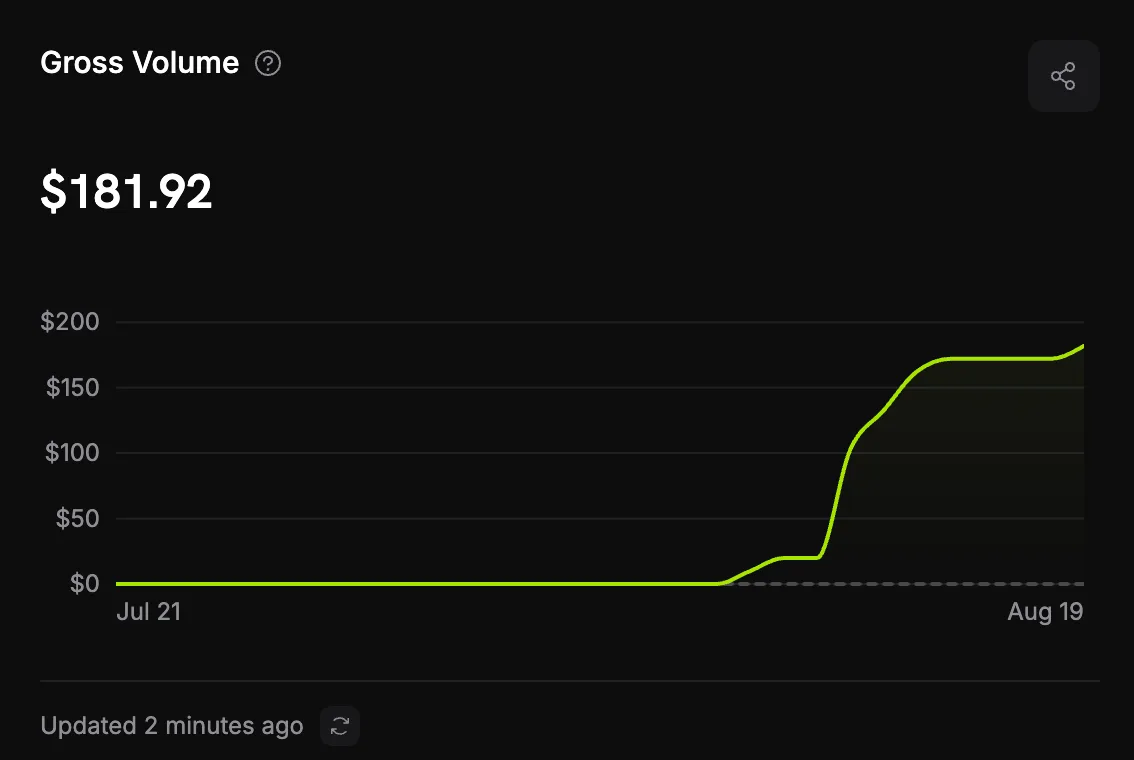 I mostly got into this because I like 3D printing and wanted to make a few custom pieces without learning modeling from scratch. Then a couple of people asked if I could make something for them too, so I started taking small requests here and there. Just hit $181.92 from custom 3D commissions. It’s not a huge number, but getting paid for something I was already doing for fun feels pretty awesome.WWes Delaney
- Been playing around with this for a small game project and some of the results are actually really fun. I generated a few props from reference images and one of them ended up fitting the scene perfectly. It’s staying in the game.EEvan Ross
Start with one photograph
Pick a picture, set the quality, and see the price before it runs.