
Opolyo Documentation
Learn how to create 3D models from images or text, convert 3D files, use the workbench, choose formats, and manage credits in Opolyo.
Opolyo is a web workspace for creating 3D models from images or text prompts and converting existing 3D files into other formats.
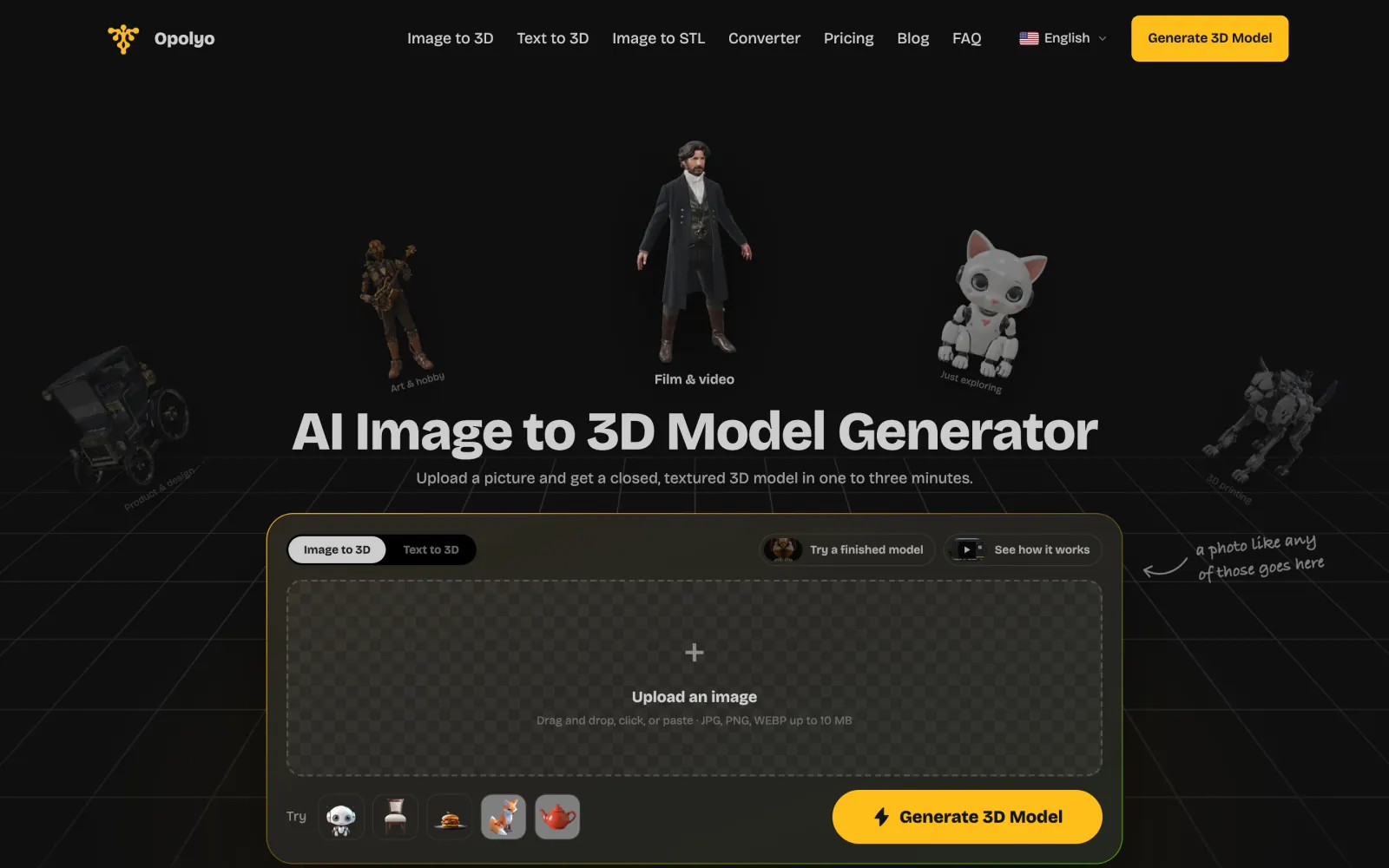
Choose what you want to do
What Is Opolyo?
Understand the three core capabilities and when each one fits.
Getting Started
Go from sign in to your first generated 3D model.
Using Image to 3D
Create a model from a JPEG, PNG, or WebP reference image.
Using Text to 3D
Create a model from a written prompt.
Prompting Guide
Write prompts that clearly describe the model you need.
The Workbench
Use projects, assets, and the browser preview.
File Formats and Export
Choose among GLB, STL, OBJ, FBX, USDZ, 3MF, and glTF.
Credits and Billing
See how credits are charged and where billing is managed.
Start with the right page
| Your goal | Recommended page |
|---|---|
| Make a first model | Getting Started |
| Choose between an image, text, or conversion | What Is Opolyo? |
| Improve a text description | Prompting Guide |
| Choose an output format | File Formats and Export |
| Understand usage costs | Credits and Billing |
Common questions
What can I do with Opolyo?
You can create 3D models from images or text prompts and convert existing 3D files into other supported formats.
Do I need to sign in before generating a model?
Yes. You must sign in before you can generate a model.
What file format does Opolyo generate?
Generated models use GLB by default. Selecting quad output makes the provider return FBX instead.
Where can I learn how Opolyo credits work?
Open Credits and Billing for generation costs, conversion costs, plans, and credit packs.