
What Is Opolyo?
Opolyo creates 3D models from images or text prompts and converts existing 3D files into supported output formats.
Opolyo is a web workspace with three core capabilities: creating 3D models from reference images, creating them from text prompts, and converting existing 3D files into other formats.
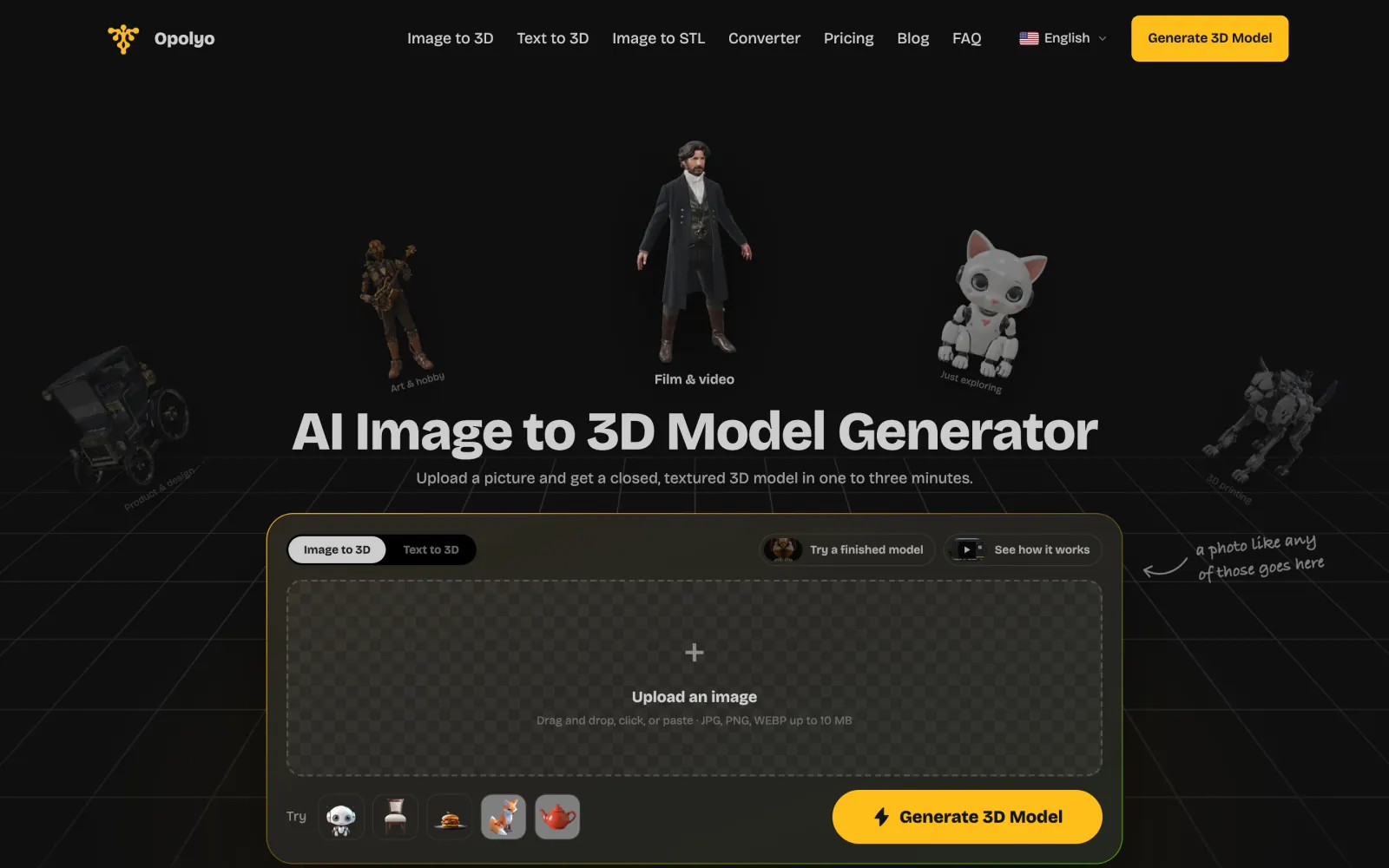
Three ways to work with 3D content
| Capability | Best fit | Accepted input | Output |
|---|---|---|---|
| Image to model | You have a visual reference for the object | JPEG, PNG, or WebP, up to 10 MB per file | GLB by default, or FBX when quad output is selected |
| Text to model | You can describe the object but do not have a reference image | A text prompt of up to 2,000 characters | GLB by default, or FBX when quad output is selected |
| Format conversion | You already have a 3D file and need another format | GLB, glTF, FBX, OBJ, or STL, up to 100 MB per file | FBX, OBJ, STL, glTF, USDZ, or 3MF |
When should I use an image?
Use Image to 3D when an existing picture communicates the object's shape and appearance better than a written description. The image can be a JPEG, PNG, or WebP file, with a limit of 10 MB per file. The generated result is GLB unless you select quad output, which returns FBX.
When should I start from a text prompt?
Use Text to 3D when you can describe the object you need without supplying an image. A prompt can contain up to 2,000 characters. The generated result is GLB unless you select quad output, which returns FBX.
When should I convert an existing file?
Use the format converter when you already have a GLB, glTF, FBX, OBJ, or STL file and need FBX, OBJ, STL, glTF, USDZ, or 3MF output. Each converter input file can be up to 100 MB.
Generated models and converted files
Generation and conversion have different output rules. Generation returns GLB by default. Selecting quad output forces the generated result to FBX. Conversion offers six target formats.
| Workflow | Available output formats |
|---|---|
| Image to model | GLB, or FBX with quad output |
| Text to model | GLB, or FBX with quad output |
| Format conversion | FBX, OBJ, STL, glTF, USDZ, 3MF |
GLB preview and export
Browser 3D preview and STL or OBJ export work only with GLB assets.
Common questions
Can Opolyo create a 3D model from a photo?
Yes. Image input accepts JPEG, PNG, and WebP files up to 10 MB per file.
What format does Opolyo use for generated models?
Generated models use GLB by default. If quad output is selected, the provider returns FBX.
Which 3D files can I convert with Opolyo?
The converter accepts GLB, glTF, FBX, OBJ, and STL files up to 100 MB per file.
Can I preview every converted file in the browser?
No. Browser 3D preview and STL or OBJ export are available only for GLB assets.