The Workbench and 3D Viewport
Use the parameter panel, inspect a model in the 3D viewport, switch recent assets, and find project assets and billing information.
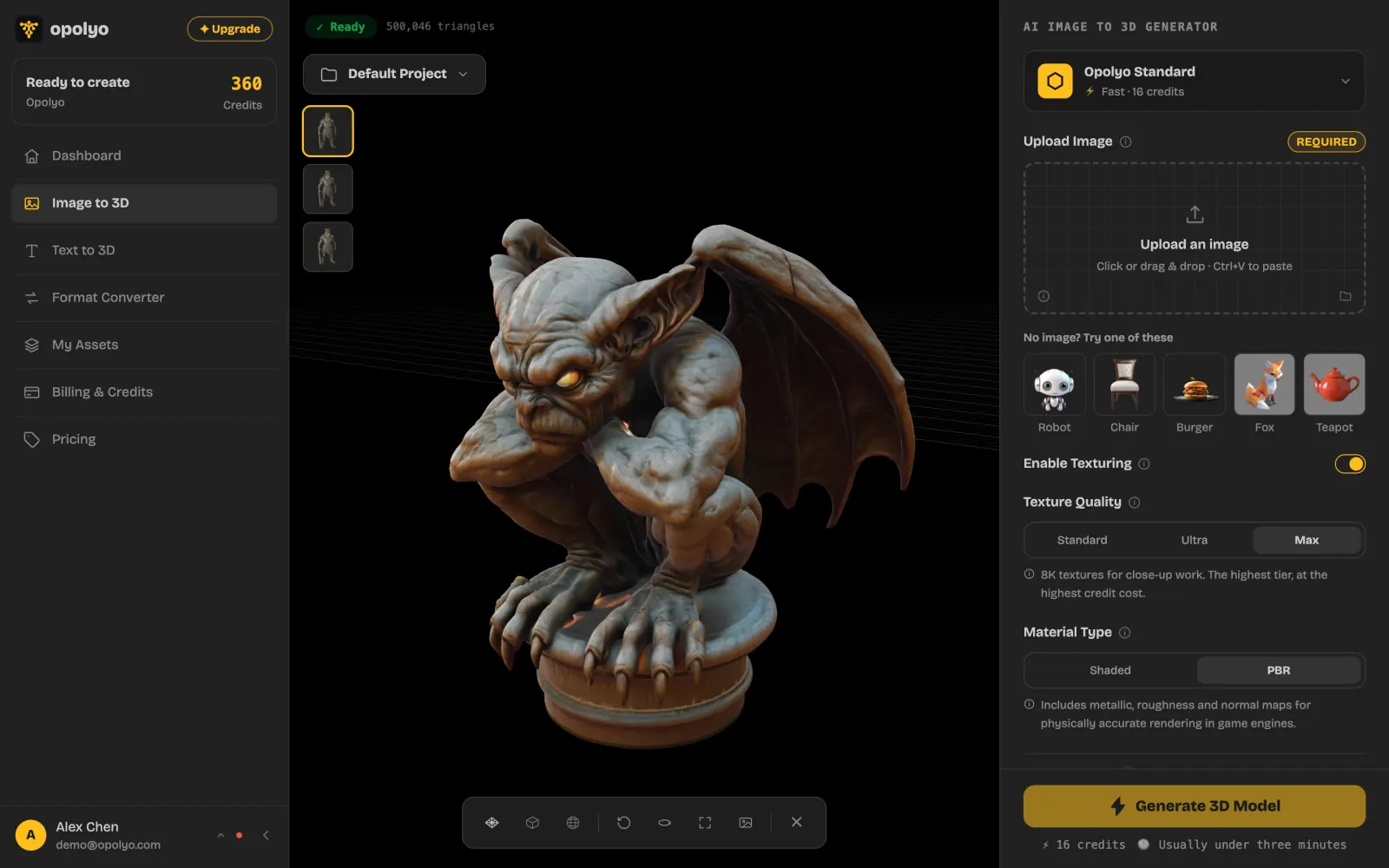
The Opolyo workbench places model parameters in a panel on the left and the 3D viewport on the right. The viewport lets you inspect a result, see its triangle count, and switch among recent assets, while the Assets and Billing pages provide access to project files and account billing information.
Workbench layout
What is in the left parameter panel?
The left panel contains the parameters for the task you opened. Use it to set up the task before starting it and to review the selected settings while working with the result.
What is in the right 3D viewport?
The right side displays the model in the 3D viewport. The viewport also reports the model's triangle count, giving you an exact geometry count for the asset currently loaded.
Recent assets in the viewport
How do recent asset thumbnails work?
A row of recent-asset thumbnails appears in the top-left of the viewport. Click a thumbnail to load that model into the viewport. Click the selected thumbnail again to remove the model from the viewport.
This row is useful when you want to inspect recent results without leaving the workbench.
Projects and the asset library
Where are assets stored?
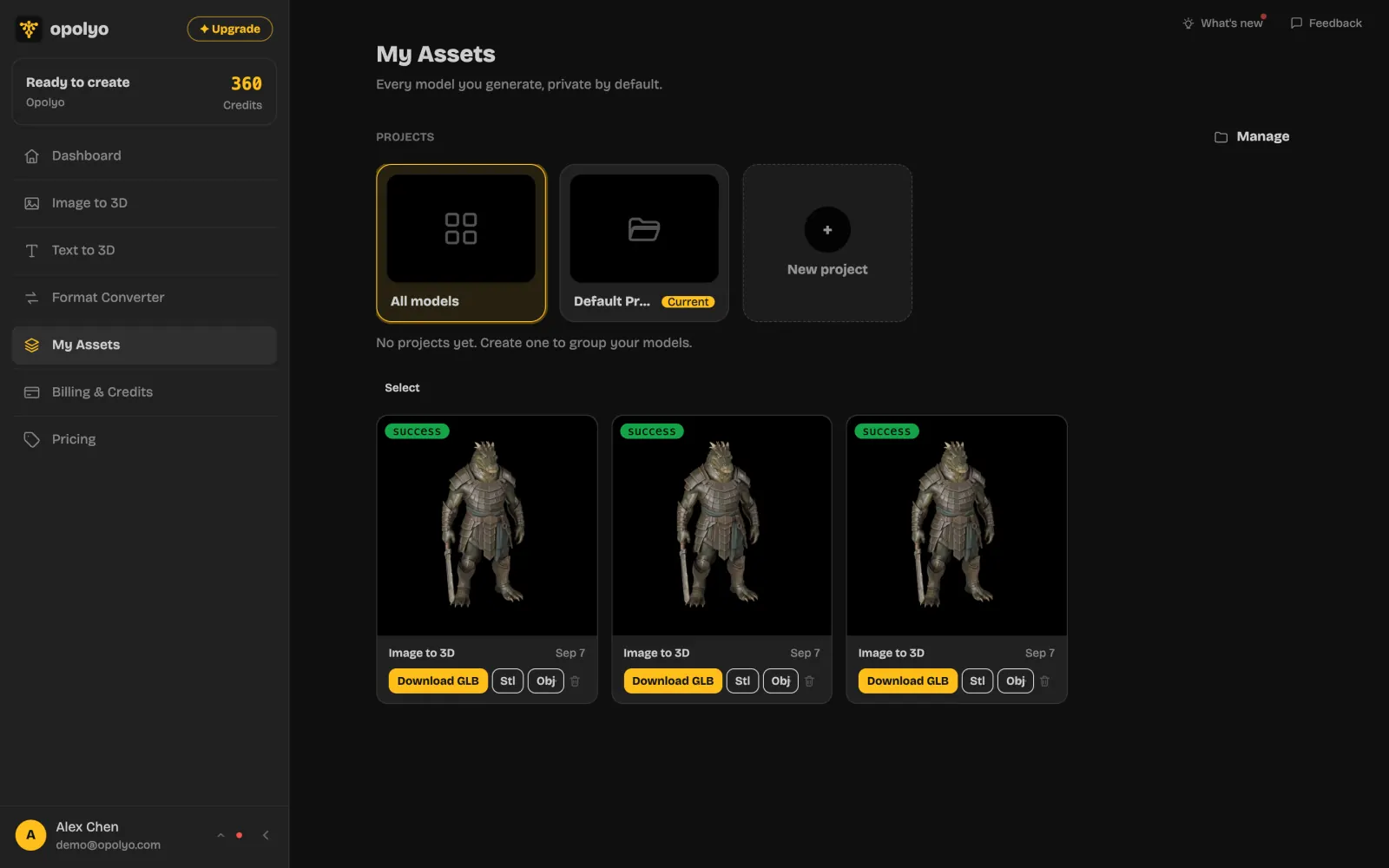
Assets are grouped by Project. Unless you select another project, assets go into the Default Project.
Open Assets to browse your asset library by project and return to models created or converted earlier.
Related app pages
What does the Assets page do?
The Assets page is the project-based library for your generated and converted assets. Use it to find an asset outside the recent row in the viewport.
What does the Billing page do?
The Billing page provides your credit and billing information. Open it when you need to check that account information away from the workbench.
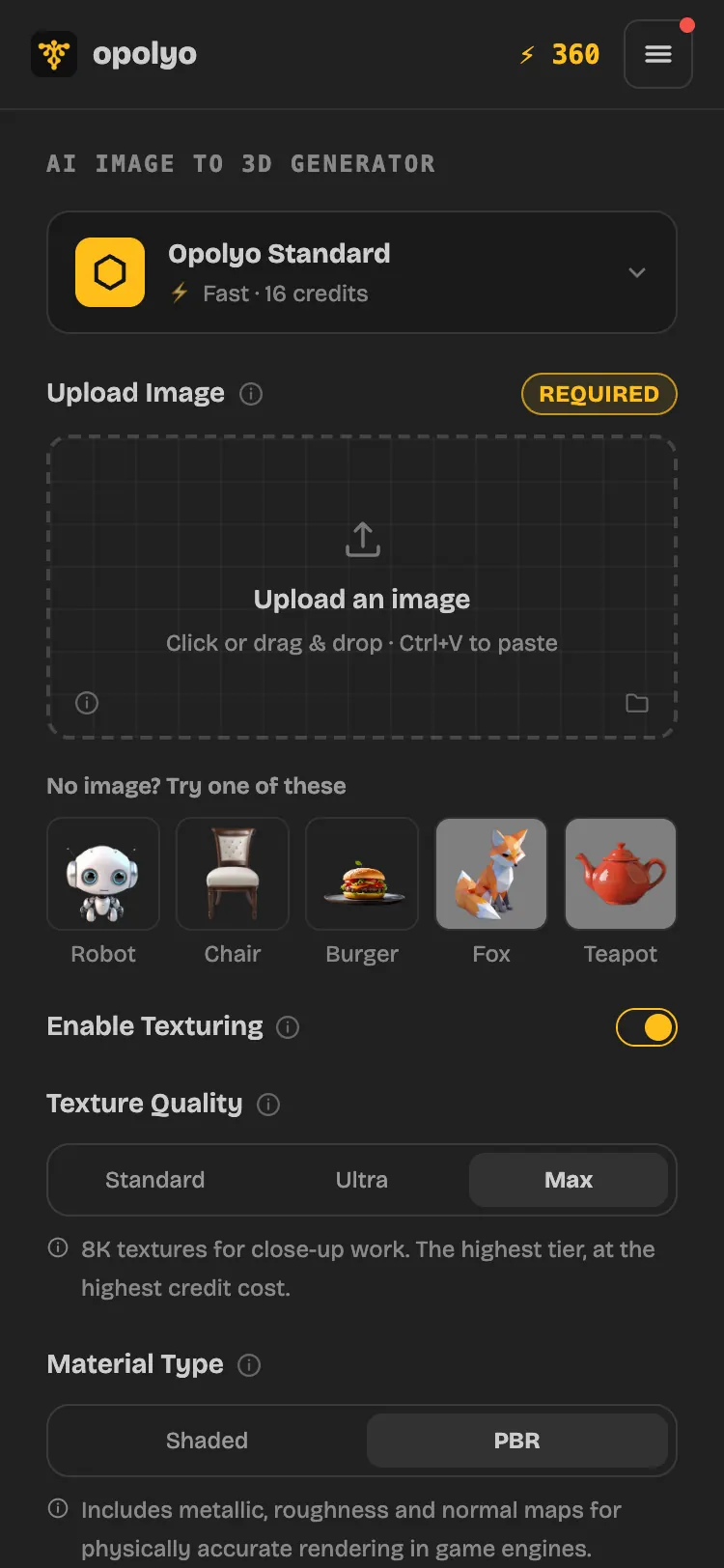
Workbench on mobile
What does the workbench look like on a smaller screen?
The mobile layout keeps the workbench available on a smaller screen while adapting the parameter and model areas to the narrower viewport.