
Getting Started
Sign in, upload a supported image, confirm the 16 credit default tier, and generate your first 3D model in Opolyo.
Creating your first model in Opolyo requires signing in, uploading a JPEG, PNG, or WebP image up to 10 MB, and confirming the default tier cost of 16 credits per generation before you generate a GLB file.
Watch the walkthrough
The video below covers the same steps written out on this page, in about a minute.
Before you begin
You must sign in before generating. For this first model, open the Image to 3D workbench and prepare one supported image.
| Requirement | Value |
|---|---|
| Sign in | Required before generating |
| Accepted image types | JPEG, PNG, WebP |
| Maximum image size | 10 MB per file |
| Default tier cost | 16 credits per generation |
| Default generated format | GLB |
Make your first model
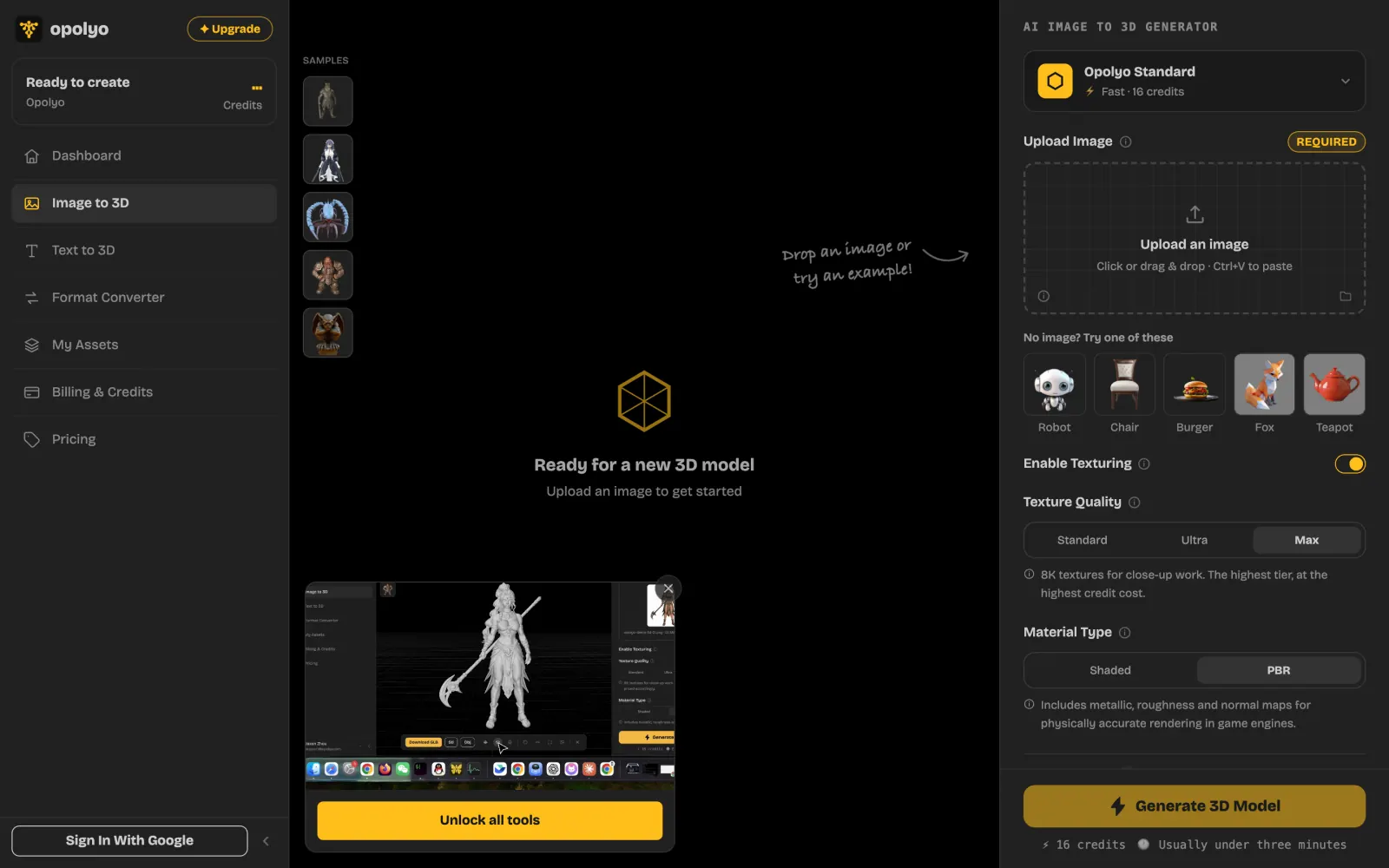
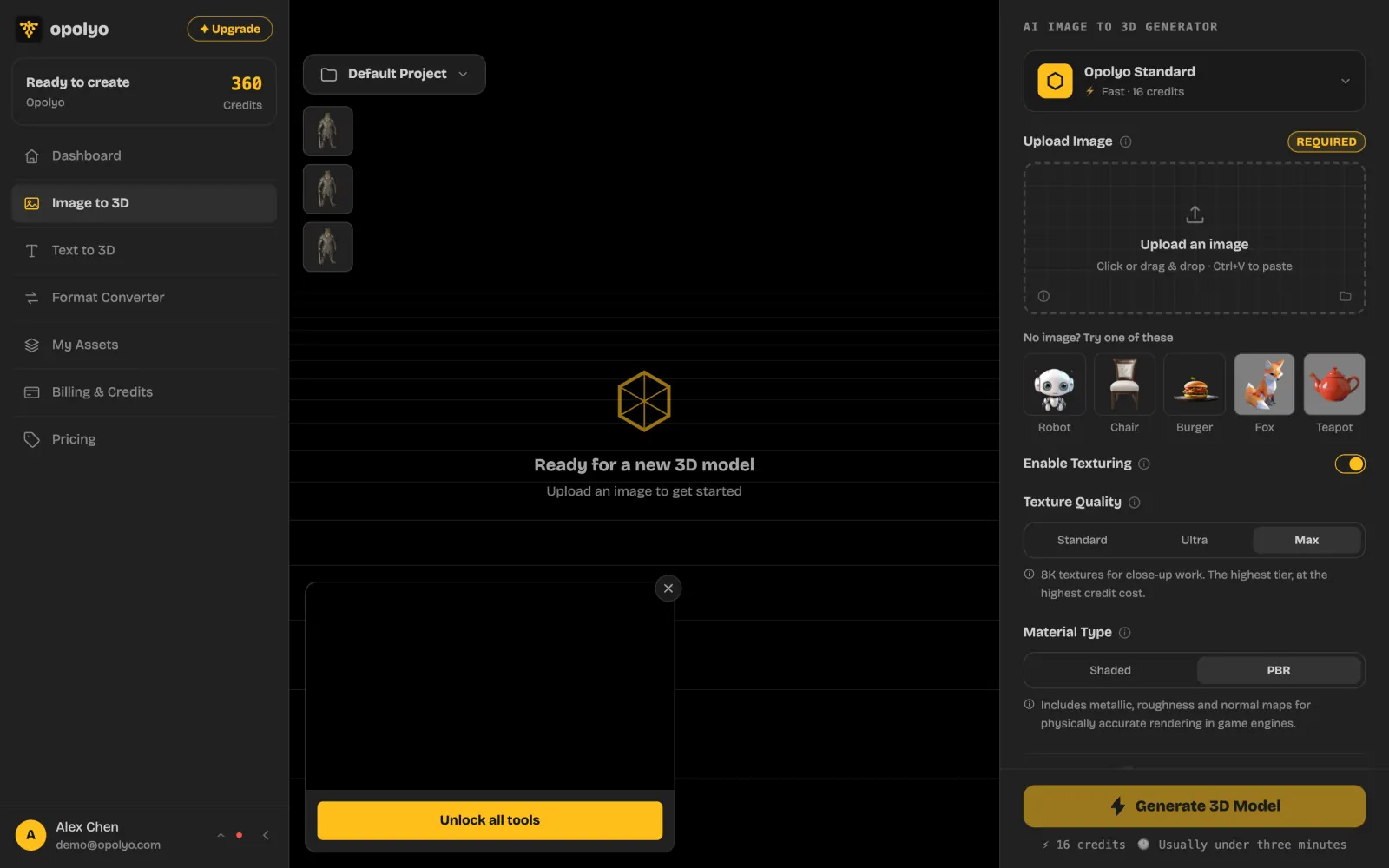
Review the default cost
Confirm that the default tier costs 16 credits per generation.
Generate the model
Start the generation to create your first model as a GLB file.
Common questions
Do I need to sign in to generate a model?
Yes. You must sign in before generating a model.
How many credits does the default generation cost?
The default tier costs 16 credits per generation.
What image formats can I upload?
Image input accepts JPEG, PNG, and WebP files up to 10 MB per file.
What file format will my first model use?
Generated models use GLB by default. Selecting quad output makes the provider return FBX instead.