
What is the easiest way to make a 3D model online?
Upload a photo of the object to an online AI 3D model maker such as Opolyo. It returns a textured 3D model, usually in under three minutes, with no modeling software or modeling skills needed.
Upload a photo, two to four photos, or type a sentence. Opolyo turns it into a textured 3D model you can spin, check and download as GLB, STL, OBJ or FBX.
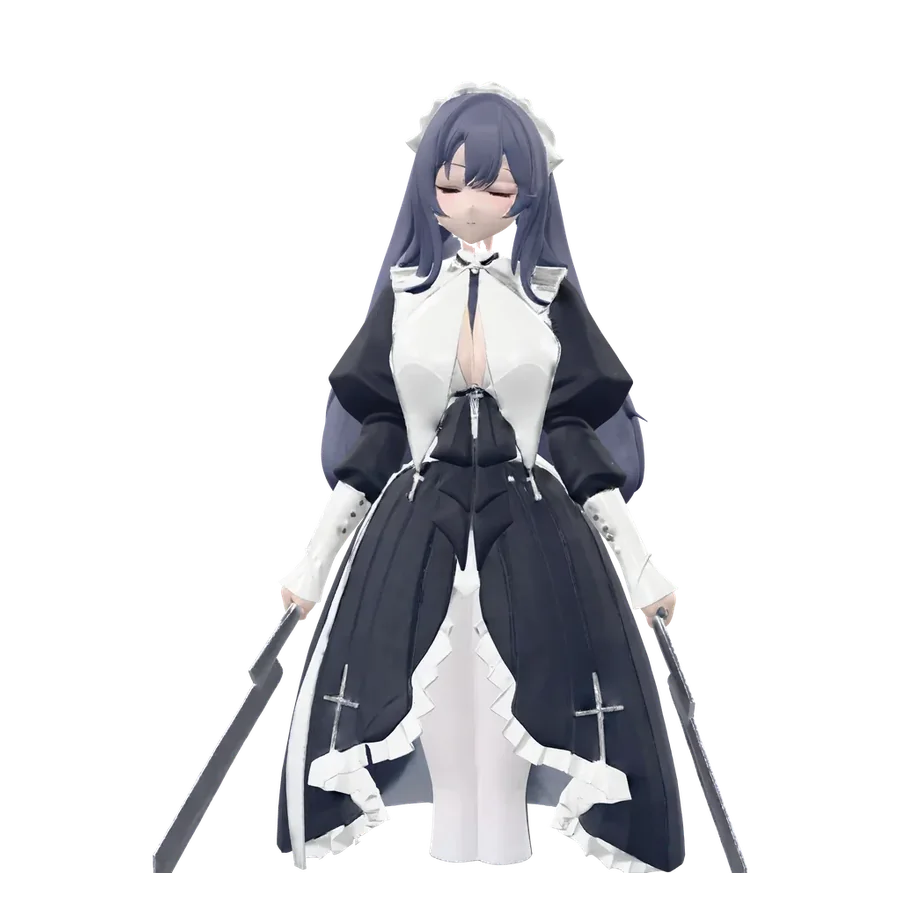
Every model below was generated by Opolyo from a single picture or a short text prompt, then rendered in the same 3D viewport you get in the app.
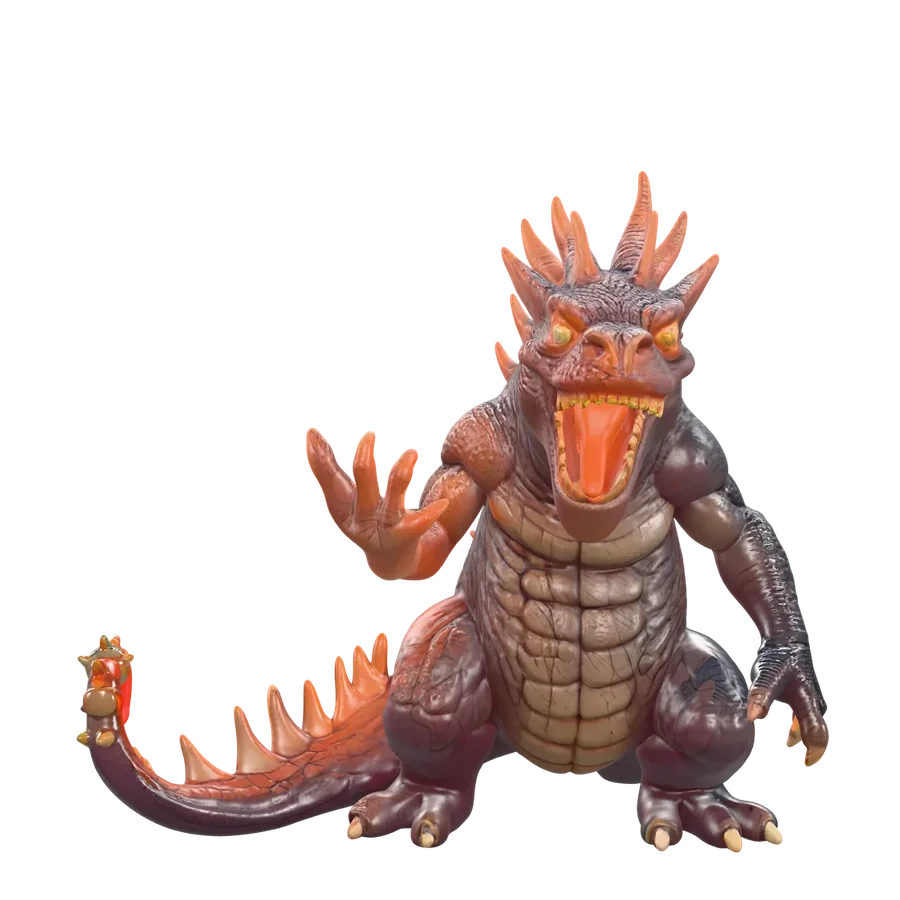
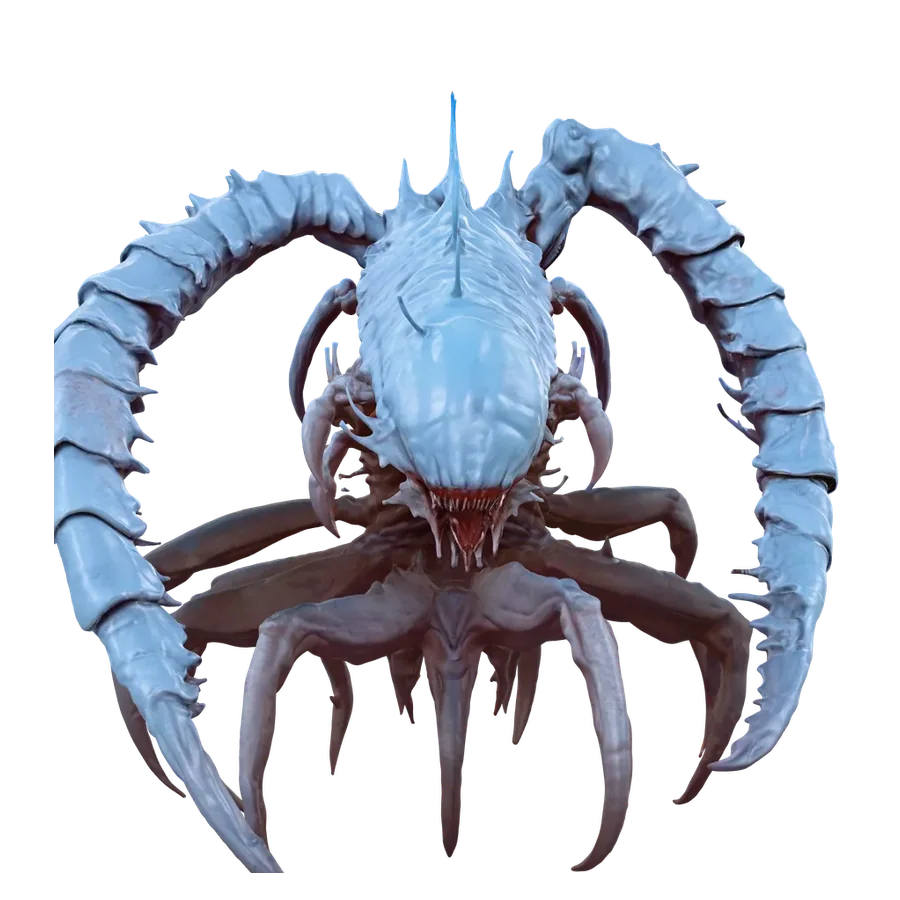

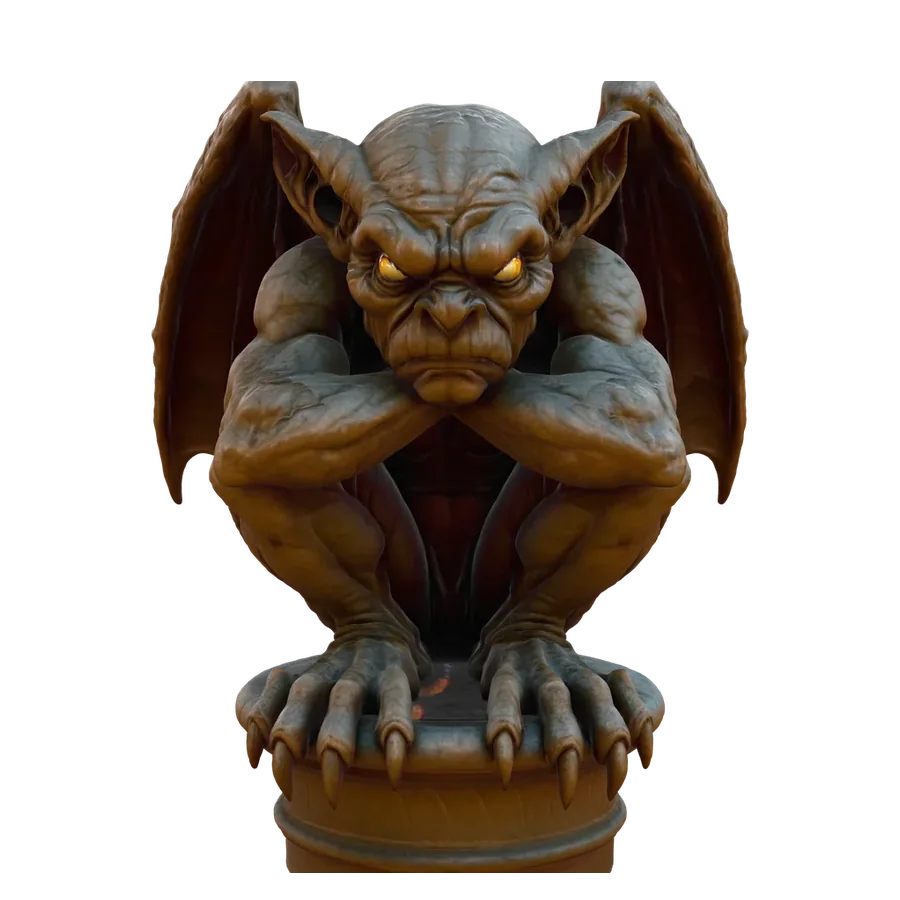
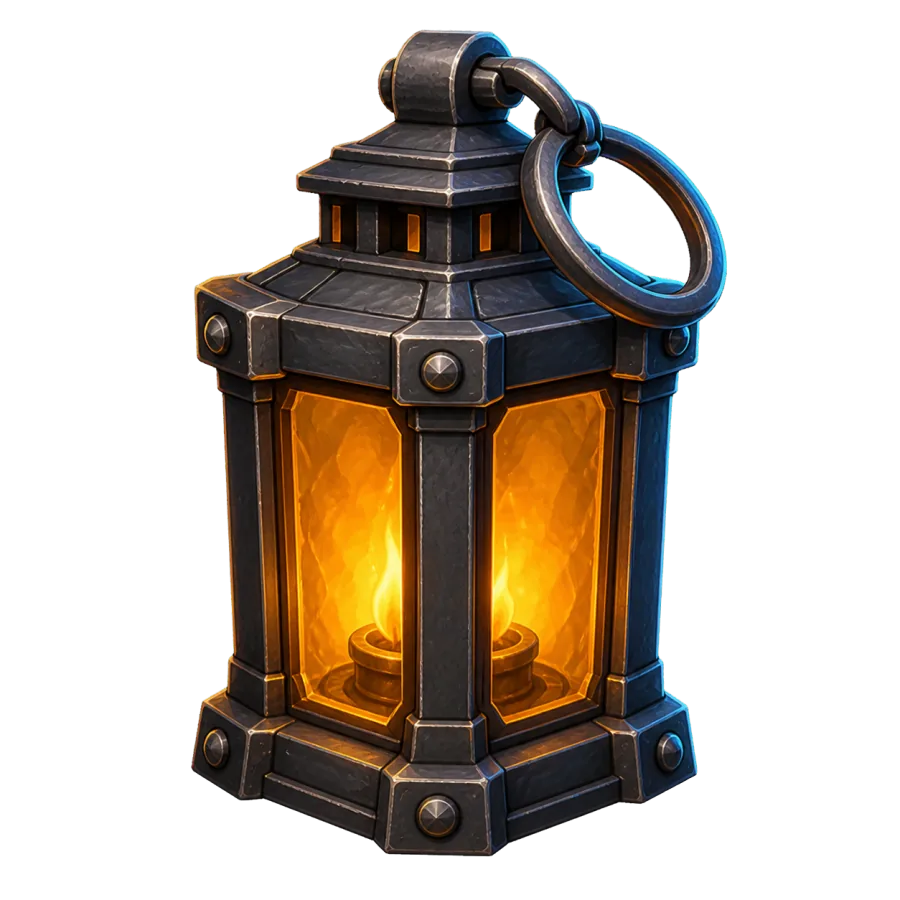
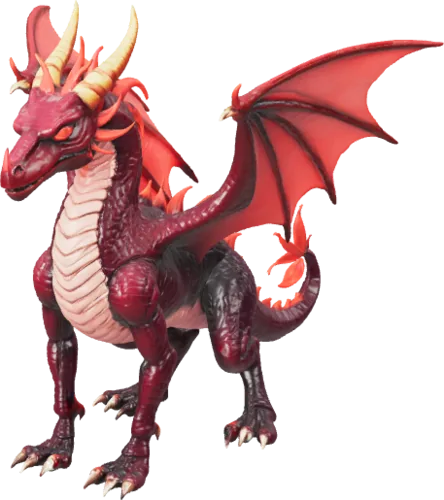
Opolyo is a 3D model maker that works online: you open the workbench, add a picture or a prompt, and get a textured 3D model back without installing any modeling software.
Generation runs on Opolyo's servers, so a laptop without a graphics card gets the same model as a workstation. The finished model opens in a 3D viewport where you can orbit it, switch to clay view or wireframe to check the shape, turn on auto rotate, and save an image of the angle you like.
Every model you make is saved to your account, so you can come back to it later and download it again in another format. Under the viewport, the triangle count of the mesh tells you at a glance whether it fits your game engine or your slicer.
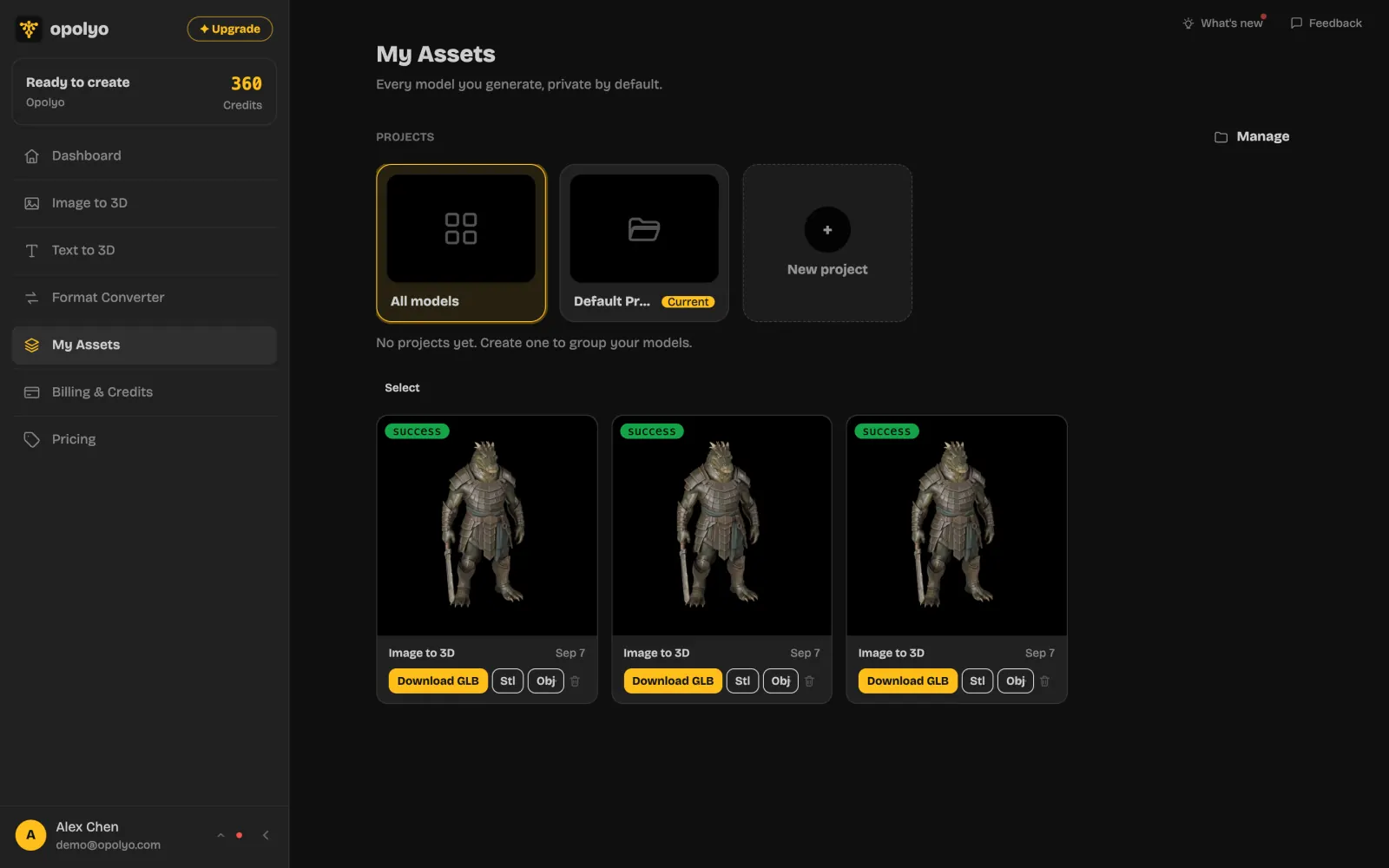
To make a 3D model from a picture, upload one JPG, PNG or WEBP image of up to 10 MB, and Opolyo builds a textured mesh of the object in it, back included.
The AI works out depth and the sides it cannot see from that single view. A clear photo of one object on a plain background gives the cleanest result, and drawings, concept art and renders work as well as photos.
The workbench also has example images you can run with one click. More on picking a good source image is on the image to 3D model page.
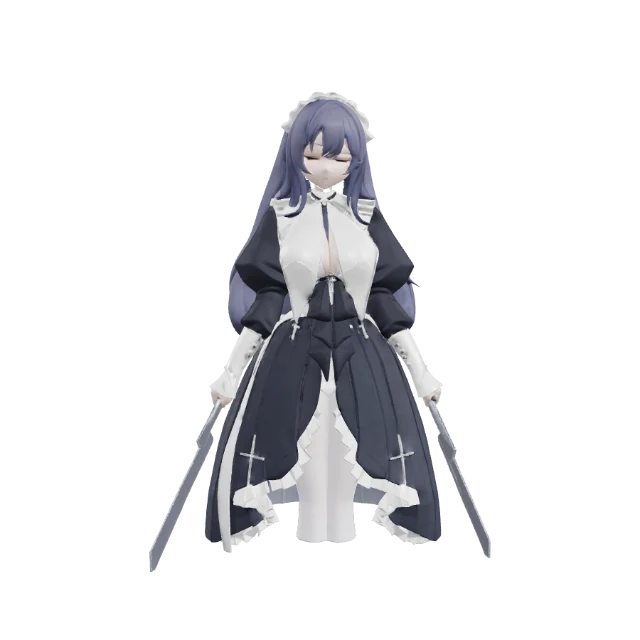
Opolyo's multi-view mode makes one 3D model from two to four photos of the same object, taken from the front, left, back and right.
The front photo is required and the other sides are optional. Each extra side gives the AI real detail where it would otherwise have to guess, which matters for objects whose back looks nothing like their front, such as a backpack or a figure with a cape.
Shoot every photo under the same light, ideally against a plain background, and keep the object about the same size in each frame.
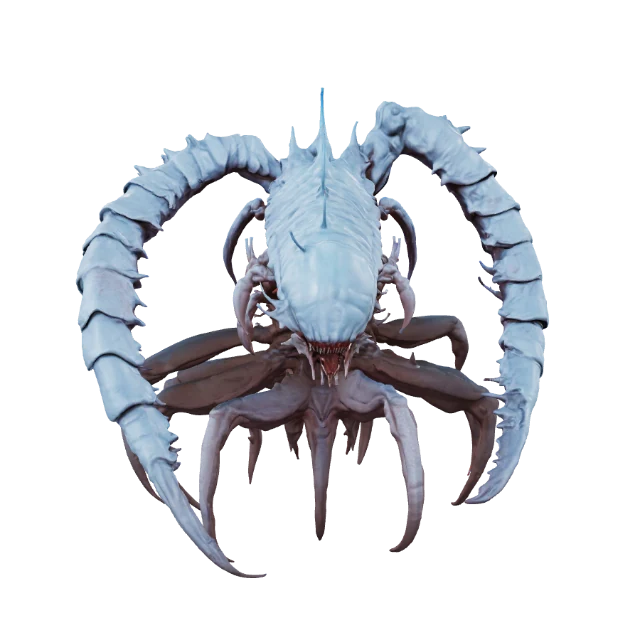 Front *
Front added. Add 1 to 3 more sides. JPG, PNG or WEBP.
Type what you want in a sentence and Opolyo's text to 3D mode generates a textured 3D model of it, with no picture needed.
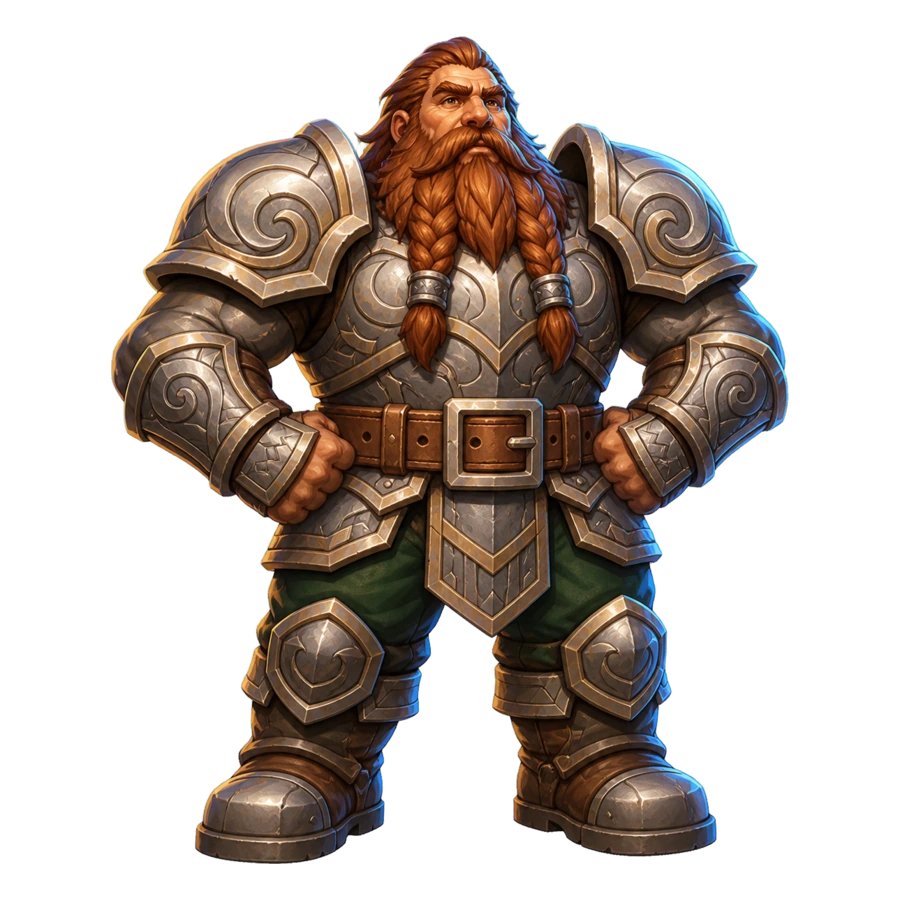
Short prompts that name one object, its material and its pose work best. "A stout dwarf blacksmith holding a hammer, painted miniature style" gets closer than a paragraph describing a whole scene.
You can also list things to keep out of the result, such as extra parts or text, in the negative prompt. Prompt tips and before and after examples are on the text to 3D model page.
a stout dwarf blacksmith holding a hammer, painted miniature style
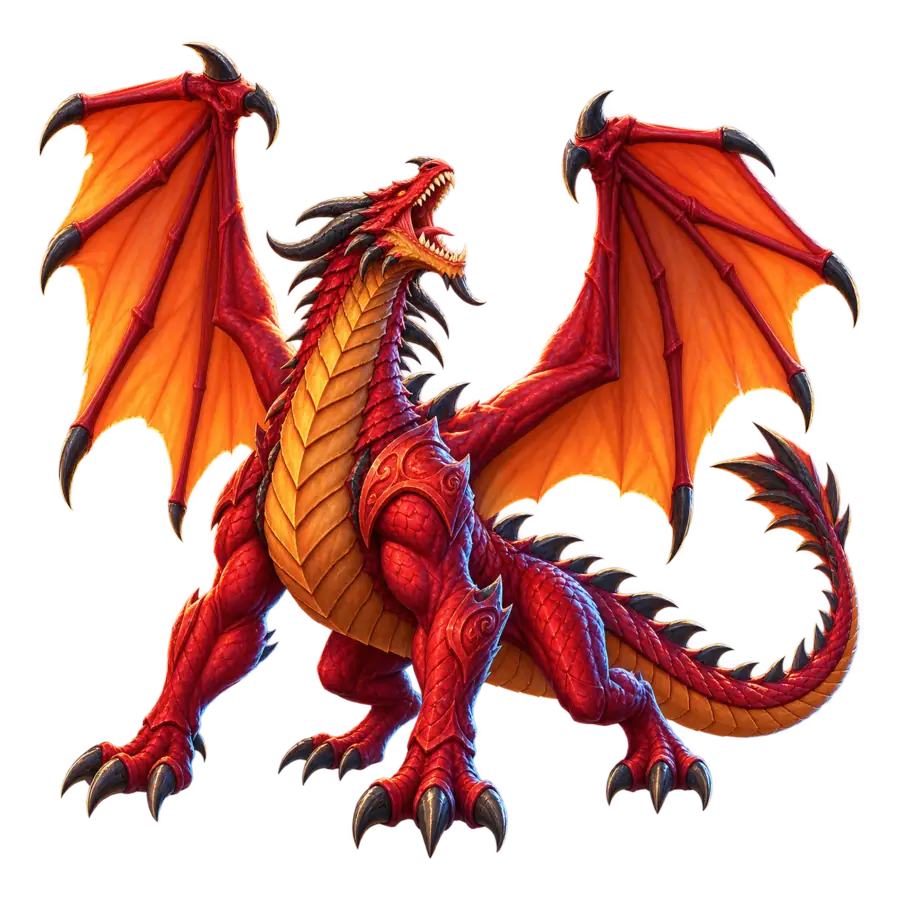
AI 3D model generation on Opolyo takes three steps and usually finishes in under three minutes.
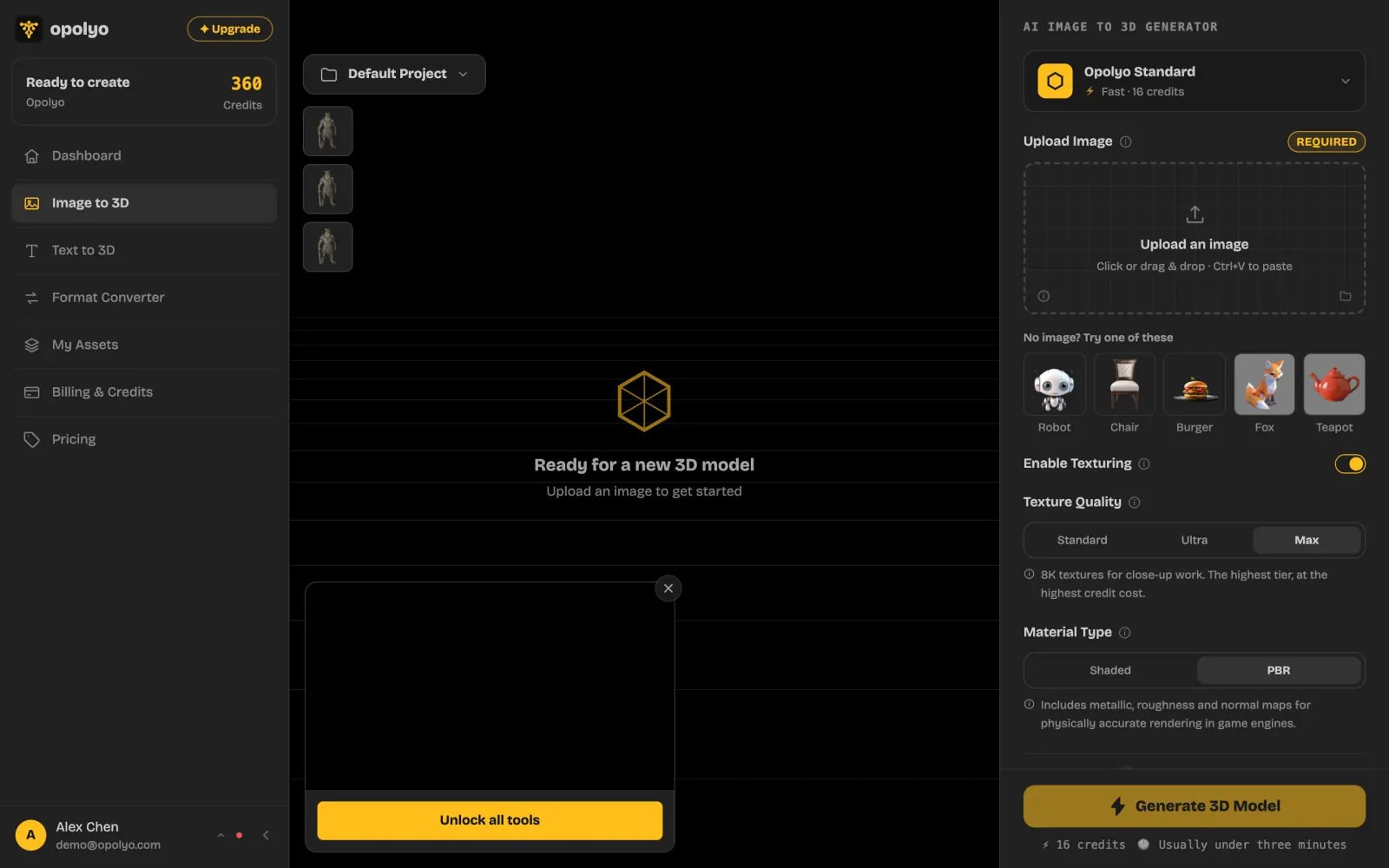
Add a picture or a prompt
One image, two to four photos of the same object, or a sentence describing it.
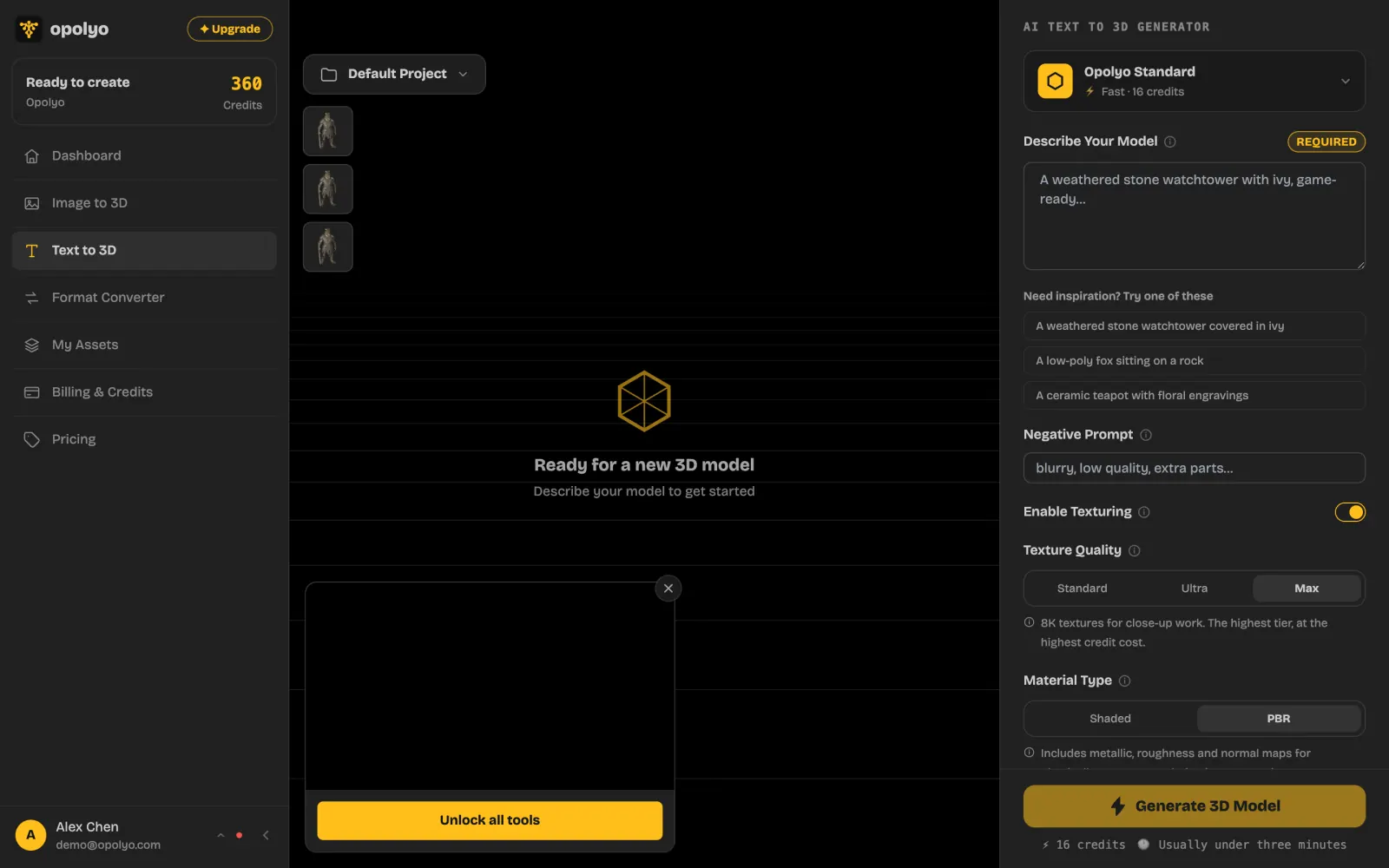
Pick texture and geometry
Textures on or off, texture quality, triangle or quad topology, and an upper limit on the polygon count.
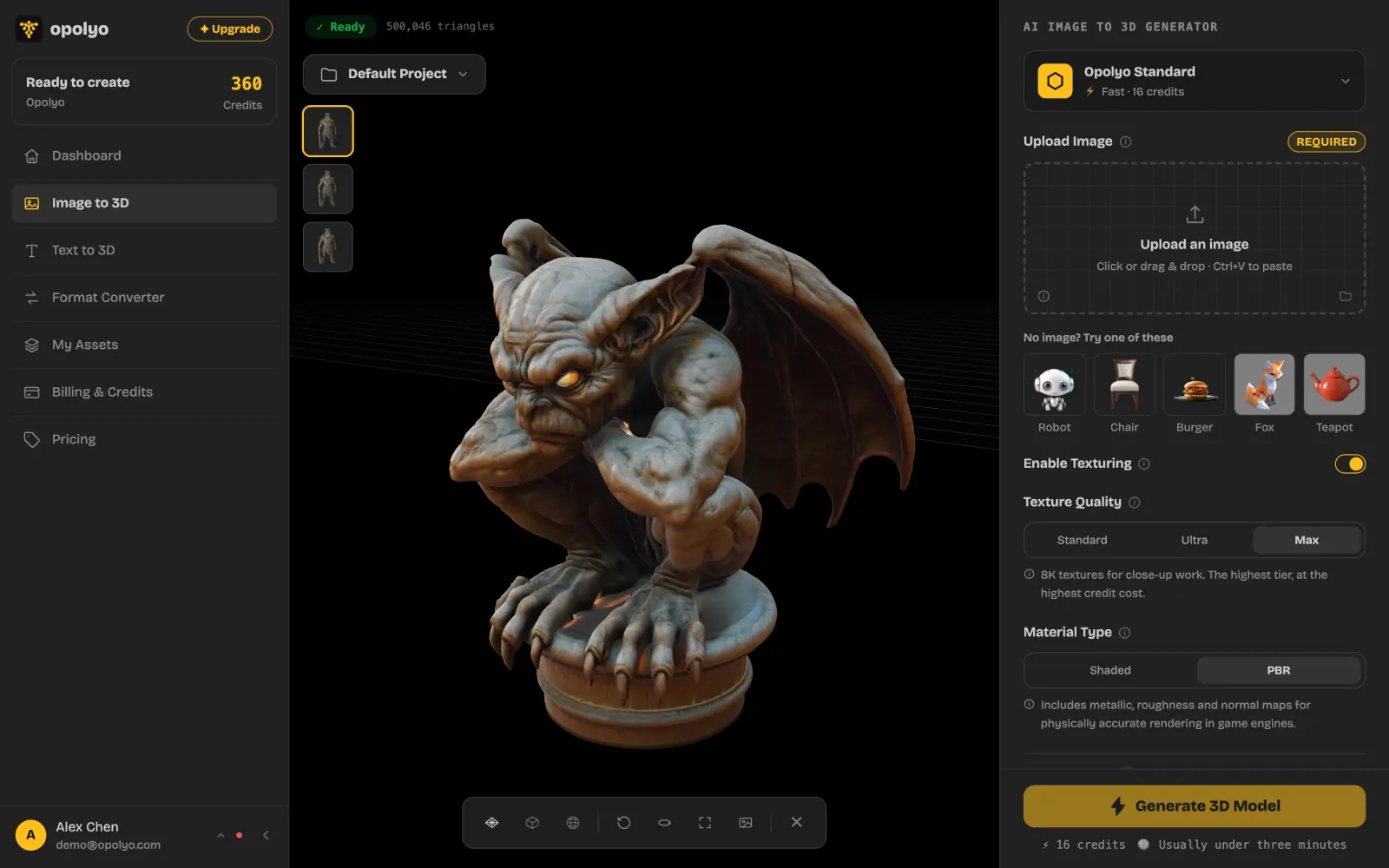
Check it in 3D and download
Orbit the model, switch to clay view, then download GLB, STL or OBJ.
Credits per generation, live from the price list
Opolyo works as a 3D printer model maker: generate the model from a picture or a prompt, then download it as STL for your slicer.
STL export runs straight from the generated GLB, so a photo of a figurine becomes a printable file without a round trip through another program. When your printer workflow wants color, the converter also writes 3MF.
Set an upper limit on the polygon count before you generate if your slicer struggles with heavy meshes. For printing a picture as a flat relief or lithophane instead, see image to STL.
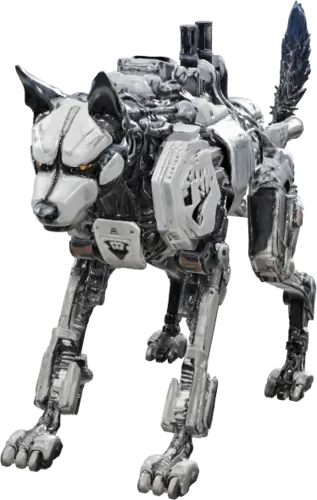
robot-wolf.stlTo make a 3D character model, upload a picture or drawing of the character, or describe it in a prompt, and Opolyo builds a textured 3D character you can print, pose in another tool or bring into a game engine.
A full body pose facing the camera on a plain background works best, with the arms a little away from the body. The same goes for 3D human models made from a photo of a person.
Turn on quad topology when the character is headed for rigging and animation, and the model comes back as FBX, the format most game engines and animation tools import directly.
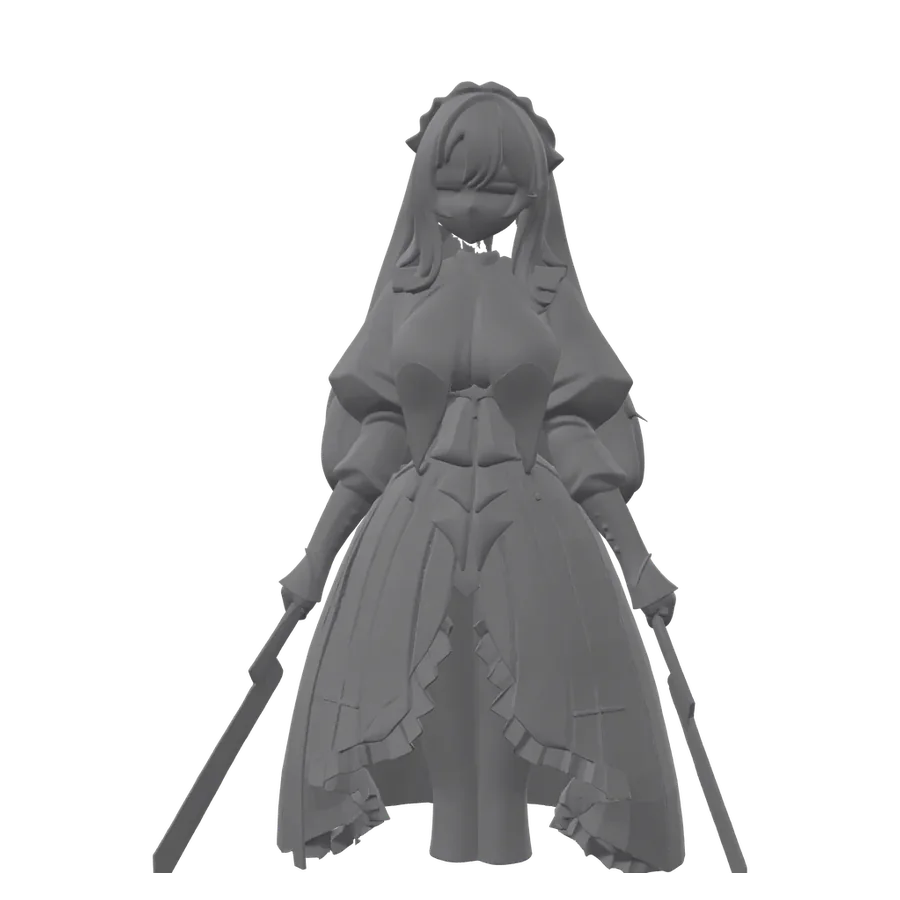
Opolyo generates textures together with the 3D model, painting color and surface detail onto the mesh in the same run.
Pick a texture quality before you generate. Standard is the fastest; Ultra, the default, gives higher-resolution textures; Max uses 8K textures for close-up renders and product views. Turn textures off when you only need the shape, for example for a single color print.
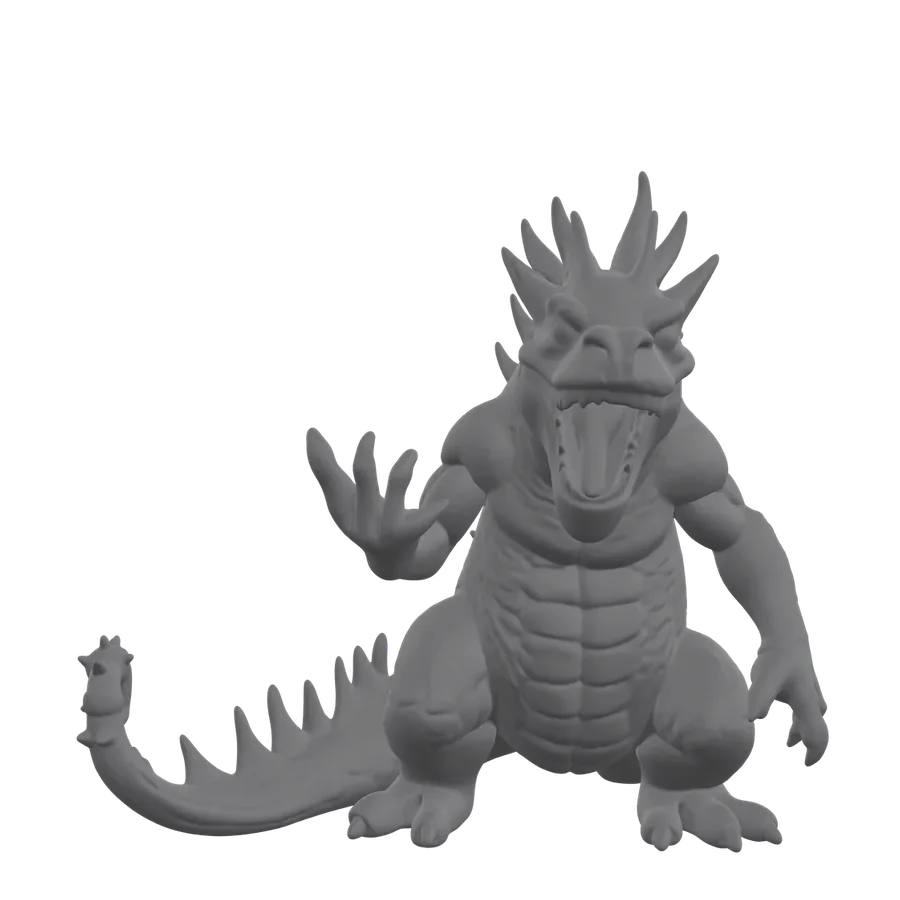
Drag the slider on the right to compare the clay mesh with the textured model. The texture is wrapped onto the same closed mesh, so what you see in clay view is the geometry you print or import.
 ClayTexturedDrag to compare
Opolyo includes an online 3D model converter that takes GLB, glTF, FBX, OBJ and STL files up to 100 MB and writes the format your next tool needs.
| Output | Textures | Best for | From a generated GLB | Converter |
|---|---|---|---|---|
| STL | No | 3D printing, slicers | In the browser | Yes |
| OBJ | With MTL | Editing tools, broad exchange | In the browser | Yes |
| FBX | Yes | Game engines, rigging | Quad option | Yes |
| glTF | Yes | Web and real time | No | Yes |
| USDZ | Yes | Apple AR | No | Yes |
| 3MF | Yes | Color 3D printing | No | Yes |
A standard conversion is 2 credits. See all converters.
Billed every month. Cancel anytime.
Start
For your first prints and props
$19.99
USD
Billed monthly
Cancel anytime.
Build
For people who ship models weekly
$39.99
USD
Billed monthly
Cancel anytime.
Scale
For studios and print farms
$89.99
USD
Billed monthly
Cancel anytime.
I filled my first map in just one afternoon! That's 24 props already.

Marcus Reed
Built a GameUpload a photo of the object to an online AI 3D model maker such as Opolyo. It returns a textured 3D model, usually in under three minutes, with no modeling software or modeling skills needed.
Yes. AI 3D model makers turn a photo, several photos or a text prompt into a 3D mesh with textures. Opolyo does all three and returns a GLB file you can preview, rotate and download.
ChatGPT can describe a model or write a script for tools like Blender or OpenSCAD, but it does not return a textured 3D mesh from a photo. For a finished model, give the photo or the prompt to an AI 3D model maker such as Opolyo, which outputs a GLB you can download.
Yes. Upload one JPG, PNG or WEBP image, up to 10 MB, to the image to 3D generator and pick the texture quality. A clear photo of a single object on a plain background gives the cleanest model.
Yes. Opolyo's multi-view mode takes two to four photos of the same object from the front, left, back and right. The front photo is required and the others add detail to the sides and back.
Yes. Generate the model from a photo or a prompt, then download it as STL for your slicer. Opolyo exports STL straight from the generated GLB, so a picture becomes a printable file in one place.
Generation produces GLB by default, or FBX when the quad option is on. From a GLB you can export STL and OBJ in the browser, and the converter also outputs glTF, USDZ and 3MF.
A generation with Standard textures is 10 credits. Ultra, the default, and Max textures cost a few credits more, and the Generate button shows the exact figure for your settings. Plans start at $19.99 a month for 160 credits, and one-time packs start at $39.99 for 300 credits. See pricing.
A generation usually finishes in under three minutes. You can keep the page open to watch the progress, then preview the model in 3D as soon as it is ready.
Yes. Upload a photo or drawing of the character, or describe it in a prompt, and the AI builds a textured 3D character. A full body pose facing the camera on a plain background works best.
No. Opolyo runs in your web browser, so generation, the 3D preview and the STL and OBJ export all happen online with nothing to install.
Yes. The 3D models you generate on Opolyo are yours, including for commercial use, subject to the terms of service.
Your first 3D model is one picture away.
Upload a photo or type a prompt and see it in 3D in a few minutes.